

eBay's picture rules fit in one table: at least 500 pixels on the longest side (800+ if you want zoom to work), up to 24 photos per listing at no charge, no text, logos, borders or watermarks on the image, and stock photos only for brand-new items. eBay's own research across millions of listings found that better photos measurably raise the chance of a sale — which matches what every high-volume seller learns the slow way: on a marketplace where buyers can't touch anything, the photos are the product. Here are the rules, then the habits that separate sold from relisted.
To bring a whole batch up to these specs in one go, use the free eBay image resizer.
eBay picture requirements at a glance
| Rule | The specifics |
|---|---|
| Minimum size | 500px on the longest side. Aim for 800–1600px — zoom only activates on larger images, and zoom is where condition-checking buyers spend their time. |
| Photo limit | Up to 24 photos per listing, free. Use far more of them than feels necessary — every angle a buyer can't see is a question, and questions delay sales. |
| Formats | JPEG, PNG, TIFF, BMP or GIF; JPEG is the safe default. |
| No added graphics | No text, logos, borders or promotional overlays on photos. Watermarks are banned outright. Details belong in the title and item specifics. |
| Stock photos | Allowed only for brand-new items (books, movies, music and games excepted). Used items must show the actual item — including its flaws. |
Every listing needs at least one photo, and the rules occasionally shift by category — if a listing gets flagged, eBay's rejection notice names the exact rule, and it's almost always one of the rows above.
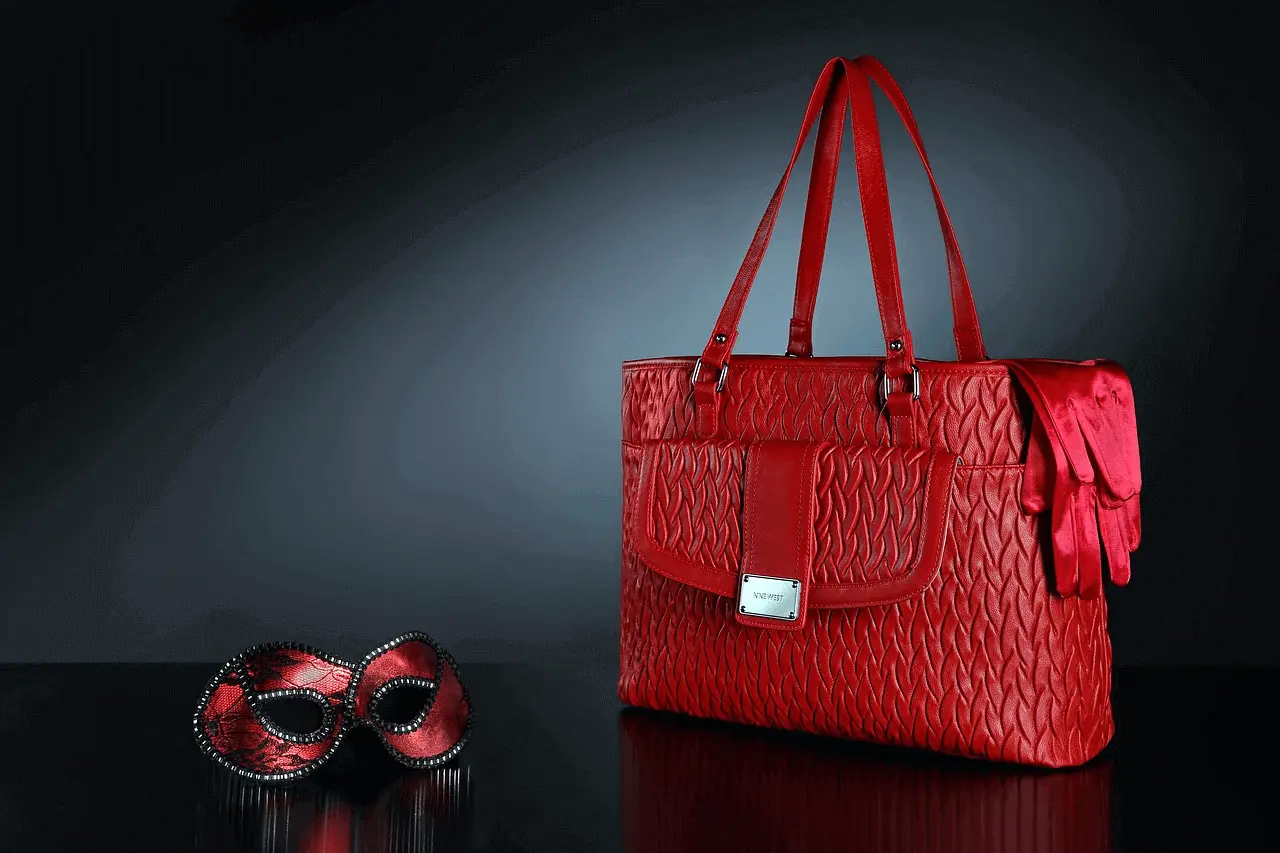
The shooting habits that move the sell-through rate
- Fill the frame. The product should occupy 80–90% of the image, centred. At search-result thumbnail size, a product floating in empty space reads as smaller and cheaper than it is.
- Shoot every angle, then the flaws. Front, back, sides, close-ups — and for used items, photograph the scratch or the worn corner deliberately. A buyer who saw the flaw before bidding doesn't open a return case; one who discovers it at the door does.
- One light source, no flash. A window with indirect daylight beats a phone flash every time; flash flattens texture and invents hotspots. Turn off ceiling lights so you don't mix colour temperatures.
- Show the scale. Include one shot with a familiar object or a measuring tape. Size ambiguity is one of the biggest silent reasons buyers scroll past — and a common return reason when they don't.
- Steady the camera. A tripod, or the phone propped on a stack of books with the timer. Blur is the fastest way to look like a seller worth skipping.
- Keep the background plain. White or light grey, no household clutter. A clean background reads as a professional seller before the buyer processes anything else — our white background photo guide covers getting it right cheaply, and the free background remover fixes the photos you already took.
The mistakes that cost sales
Blurry or sub-500px photos (the listing looks abandoned), background clutter, prop overload that hides the product, mixed or dim lighting, and — most common of all — uploading only one or two photos when 24 are free. For clothing and accessories, resale buyers specifically want condition evidence over styling; the overhead format in our clothing flat lay guide is the fastest way to shoot a wardrobe's worth of listings consistently.
Ordering and updating your photos
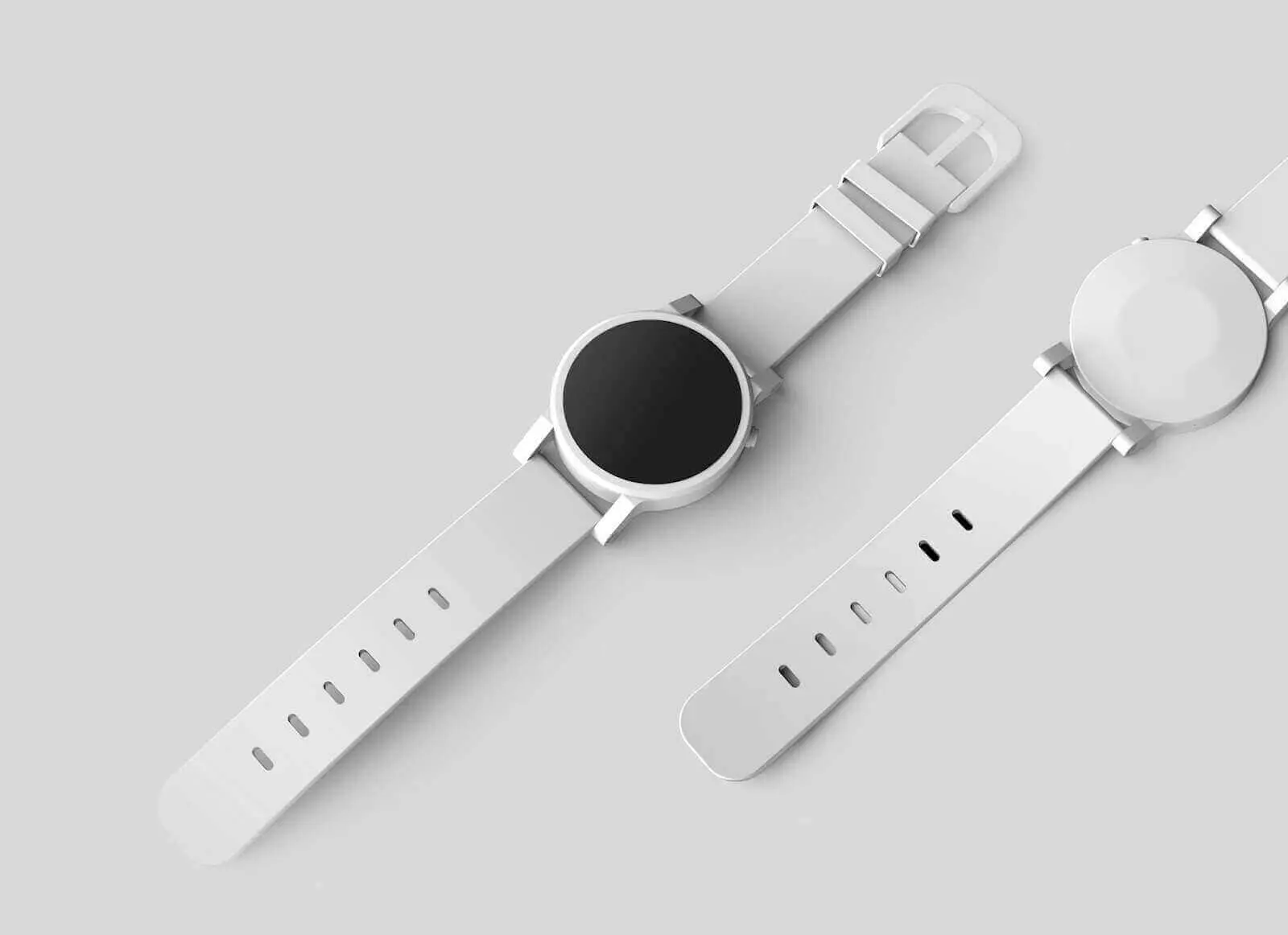
Lead with the strongest full-product shot — a proper hero shot — it's the search-results thumbnail, so it does most of the selling. Then sequence logically: hero, angles, details, scale, flaws. To replace photos on a live listing: Seller Hub → Listings → Active → Revise your item, delete what's stale and upload the new set; drag the best image to the top-left position to make it the gallery photo.
Where AI fits for eBay sellers
Honestly: for used items, AI can't replace the camera — buyers are entitled to photos of the actual item, and eBay's rules agree. Where generation earns its keep is new and own-brand stock: from one clean capture, ProductAI generates the white-background hero and lifestyle variants that make a listing look like a storefront rather than a garage sale — see how that works in our AI product photography guide, or try it on one of your products. Selling volume? Book a demo and bring your worst listing.