Photo Highlight Editor
Point at what matters — the label, the texture, the shine — and the AI edits light and emphasis so your product pops without looking retouched.
JPG, PNG or WebP. Free to try, no design skills needed.
How to use the Photo Highlight Editor
1. Upload your photo
Any product photo — JPG, PNG or WebP.
2. Mark the area to edit
Select the highlight to fix or the detail to emphasize and describe the change.
3. Download the result
Natural-looking light edits in full resolution.
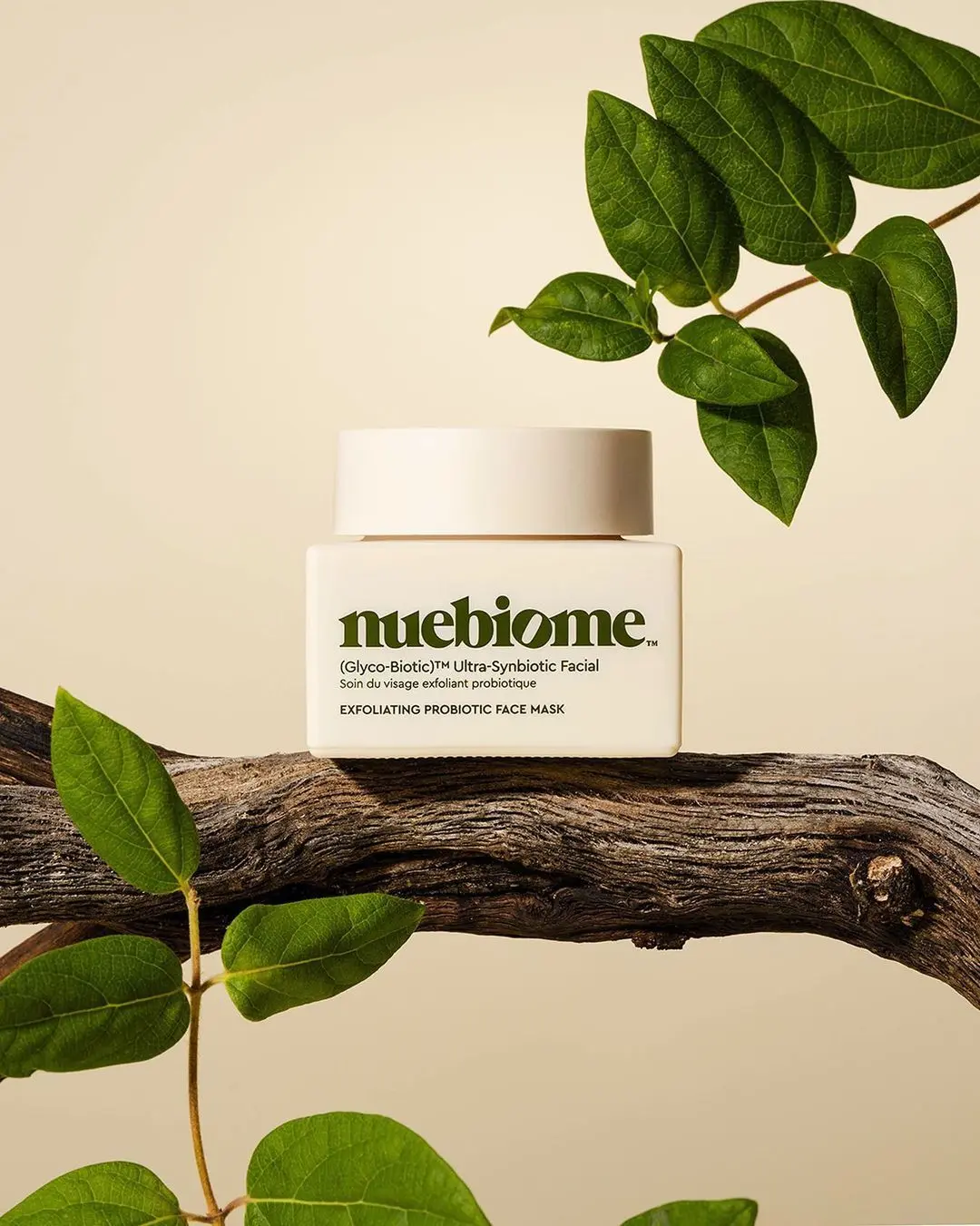
What the AI studio makes from one product photo
The free tools handle quick edits. The studio generates the whole scene — backgrounds, lighting, models and hands — from a single upload.
-p-1080.webp)


Fix blown-out glare
Recover shine on glass, metal and plastic without dulling the product.
Guide the eye
Brighten the label or key detail so it reads instantly in a crowded feed.
Keeps it photoreal
Edits blend with the original lighting — no obvious retouch look.
Free to try
Edit highlights free — upgrade when you need volume.
Keep improving your product photos
Learn the AI product-photo workflow, try another free tool, or work out what a shoot would cost.
Common questions
Is the highlight editor free?
Yes — try it free. Paid plans add volume and the full ProductAI studio.
What can I fix with it?
Blown-out reflections, dull labels, uneven lighting, or any area that needs more or less emphasis.
Does it change the whole photo?
No — only the area you mark is edited; the rest stays untouched.
Do I need editing skills?
No. Mark the area, describe the change, download the result.