
Magic Eraser
Brush over anything you want gone — price tags, dust, stray props, photobombers — and the AI rebuilds the background like it was never there.
JPG, PNG or WebP. Free to try, no design skills needed.
How to use the Magic Eraser
1. Upload your photo
Drop in any product photo — JPG, PNG or WebP.
2. Brush over the object
Mark what should disappear. Rough strokes are fine, the AI finds the edges.
3. Download the clean shot
The background is reconstructed automatically. Export in full resolution.
What the AI studio makes from one product photo
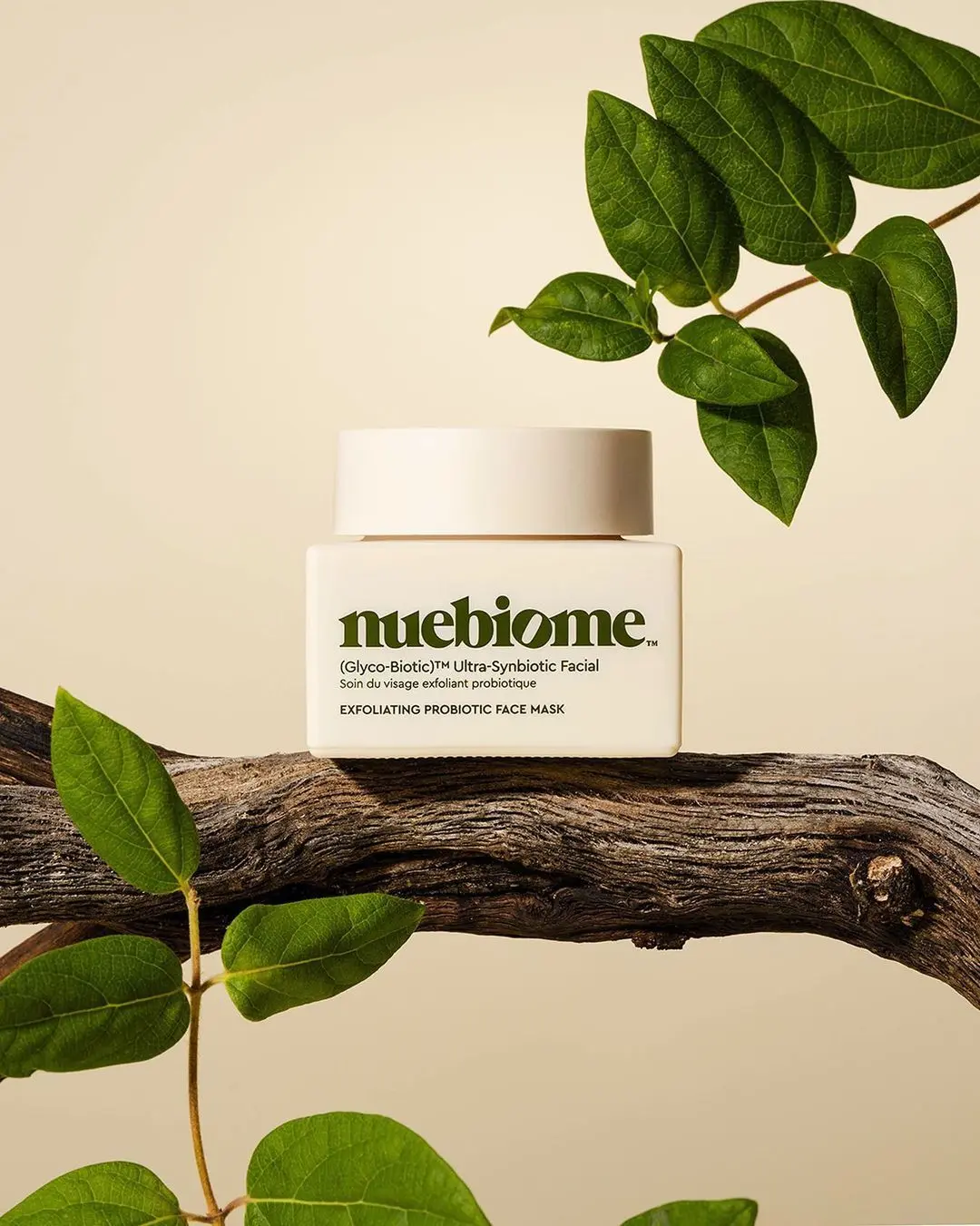
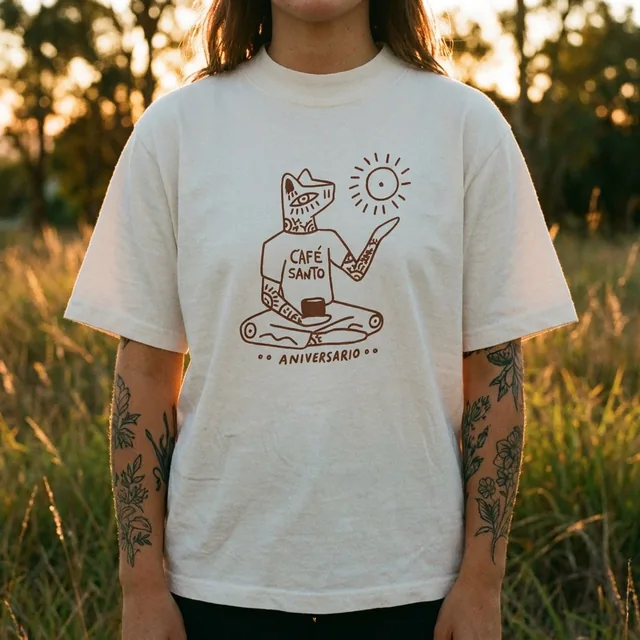
The free tools handle quick edits. The studio generates the whole scene — backgrounds, lighting, models and hands — from a single upload.
-p-1080.webp)

True background rebuild
Not a blur or a smudge — the AI repaints what was behind the object.
Works on tricky surfaces
Textures, shadows, gradients and patterns are reconstructed convincingly.
No design skills needed
One brush, one button. No layers, masks or Photoshop.
Free to try
Erase objects for free — upgrade only when you need volume.
Keep improving your product photos
Learn the AI product-photo workflow, try another free tool, or work out what a shoot would cost.
Common questions
Is the magic eraser free?
Yes — you can erase objects for free. Paid plans add higher volume and the full ProductAI studio.
What can I remove?
Anything: objects, people, text, stickers, dust, reflections or blemishes. Brush over it and the AI removes it.
Does it lower image quality?
No. The edit happens at full resolution and only the brushed area is changed.
Which formats are supported?
JPG, PNG and WebP uploads; downloads are high-resolution PNG or JPG.