AI Product Photography
Upload one product photo and generate studio-quality images around it — new backgrounds, lifestyle scenes, on-model and in-hand shots. No studio, no photographer, no reshoot.
-p-1080.webp)
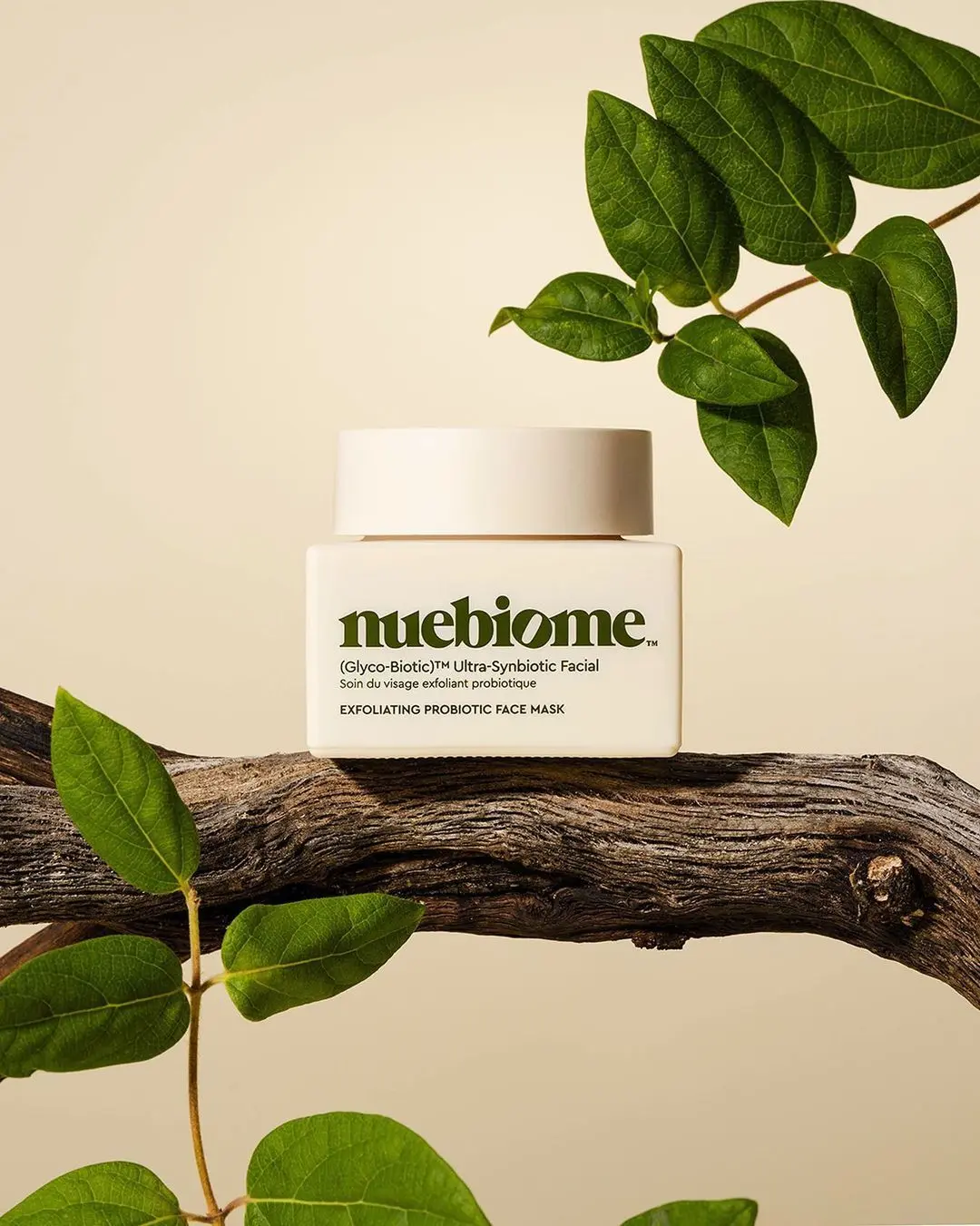
How AI product photography works
1. Upload a product photo
A phone shot is enough. Even light and a clear view of the product matter more than the camera.
2. Pick a template or describe the scene
Choose from adaptive templates — skincare, fragrance, fashion, UGC — or write the scene in your own words.
3. Generate and refine
Get several variations in about half a minute. Swap the background, edit a detail, extend the canvas until it fits.
4. Export for every channel
Download in 4K, in the aspect ratios your store, marketplace and ads need.
AI product photos made with ProductAI
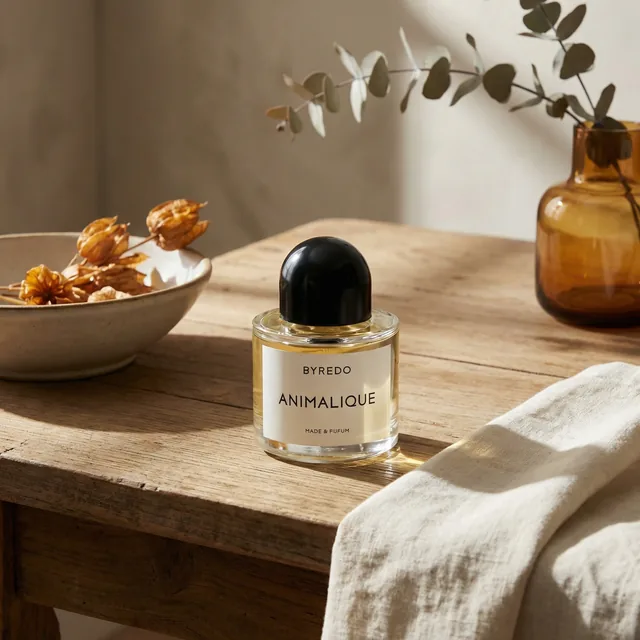
Every image below started as a plain product photo. The product stays exactly as photographed — the AI builds the set, light and surroundings.
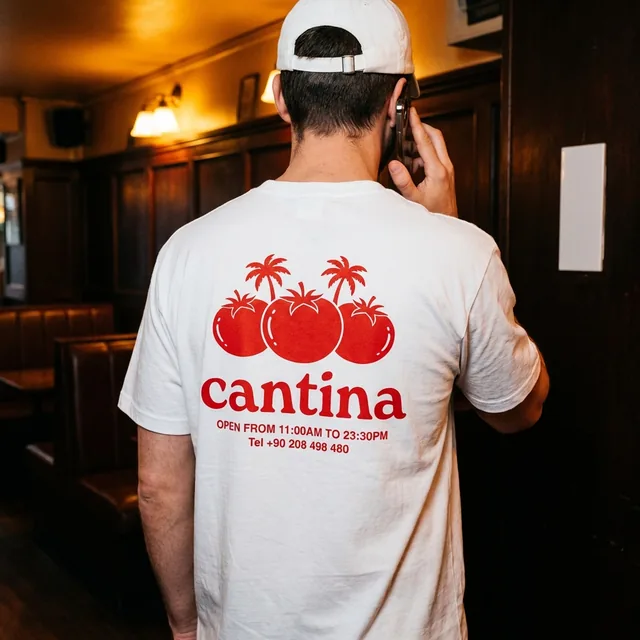
One AI product photo generator, every kind of shot
Backgrounds and lifestyle scenes
Place the product on a marble counter, a beach, a studio plinth. Light and shadows are matched so it never looks pasted in.
On-model and in hands
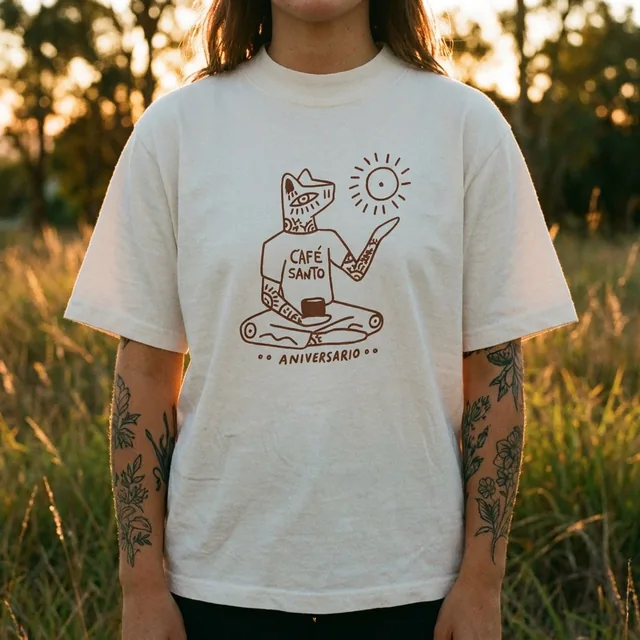
Show clothing on a model or a jar held in a hand — without booking talent or a location.
Clean packshots
Pure white or seamless grey backgrounds that meet Amazon, eBay and Shopify listing rules.
Ads, mockups and short video
Turn the same product shot into ad creatives and short clips for Reels and TikTok.
What is AI product photography?
AI product photography uses generative image models to build a finished product image around a real photo of your product. You supply the product; the model generates the background, surface, lighting, props and even people — the parts a studio shoot normally exists to create.
The important distinction is that the product itself is not invented. Labels, colours and proportions come from your upload, which is why the results can be used on a product page where accuracy matters.
- Generative backgrounds — new scenes around a fixed product
- Relighting — shadows and reflections matched to the new scene
- Compositing with people — on-model and in-hand shots
- Editing tools — erase objects, extend the canvas, upscale to 4K
AI product photography vs. a traditional photoshoot
| Traditional photoshoot | ProductAI | |
|---|---|---|
| Cost | Packshots $25–50 per photo on published US rate cards; styled and on-model shots run to a few hundred, plus shipping and prep | Flat plans from €16 a month for about 40 photos |
| Turnaround | 1–3 weeks from shipping the product to final files | About 30 seconds per image |
| New variations | A new set, a new booking, a new invoice | Change the prompt or template and regenerate |
| Seasonal refresh | Reshoot the catalog | Re-run existing product photos through a new template |
| Consistency across SKUs | Depends on the same studio and setup every time | The same template gives every SKU the same look |
| What you need | Products on site, photographer, studio, stylist | One decent photo per product |
Studio figures are typical published rates; see the pricing calculator for an estimate on your own catalog. A photographer is still the right call for hero campaigns, complex reflective products and anything that needs art direction on set.
Who uses AI product photos
Shopify and DTC brands
Launch new SKUs with a full image set the same day the sample arrives.
Amazon and marketplace sellers
Compliant white-background main images plus lifestyle secondaries from one photo.
Fashion and apparel
On-model, hanger and flat-lay looks without a model shoot.
Agencies and large catalogs
Hundreds of SKUs through the API or the production team for enterprise accounts.
How to get realistic AI product photos
Most "AI-looking" results come from the input, not the model. A sharp, evenly lit product photo gives the AI clean edges and true colours to work with.
- Shoot the product straight on, filling most of the frame
- Use soft, even light — a window and a white card is enough
- Pick scenes where the product would really be found
- Keep one template per collection so the catalog looks like one brand
- Check fine label text at 100% before publishing
Go deeper on AI product photography
Guides and free tools for the specific job in front of you.
AI product photography questions
What is AI product photography?
It is the use of generative AI to create finished product images from a real photo of your product. The product stays as photographed; the AI generates the background, lighting, props and, if you want, a model or a hand holding it.
Does the AI change my product?
No. The product comes from your upload, so shape, colours and labels are preserved. Very small label text can soften in some scenes, so check it at full size before publishing.
Which products work best?
Anything with a clear outline: cosmetics, skincare, fragrance, food and drink, electronics, homeware, shoes and clothing. Transparent and highly reflective products are harder and may need a second attempt.
Can I use the photos commercially?
Yes. The images you create with ProductAI are yours to use commercially — on product pages, marketplaces and in ads.
How much does AI product photography cost?
You start with 20 free credits. Paid plans start at €16 a month for roughly 40 product photos; larger plans lower the cost per image. On published studio rate cards a simple packshot costs $25–50 per photo, and styled or on-model shots cost several times that.
Is AI product photography good enough to replace a photographer?
For catalog, marketplace and social content it usually is, and it is far faster. For hero campaigns and products that need art direction on set, brands still use a photographer and use AI for the variations.
Which AI models does ProductAI use?
ProductAI runs several leading image models, including Nano Banana Pro, and picks sensible defaults per template. You can switch models in the studio.
Can I generate product photos in bulk or through an API?
Yes. The API generates images programmatically, and enterprise accounts can hand whole catalogs to our production team.