
eBay Image Resizer
Drop your product photos and get files that meet eBay's image requirements — right size, right shape, under the file limit. Runs in your browser, batch ZIP included.
How to resize images for eBay
1. Drop your product photos
One photo or the whole catalog — JPG, PNG, WebP or HEIC straight from your phone.
2. Pick the eBay preset
Start with 1600 × 1600 px. Choose pad with white to keep the full product, or crop to fill for tighter framing.
3. Download the batch
Every file is checked against the size limit and named for the marketplace. Grab them as one ZIP.
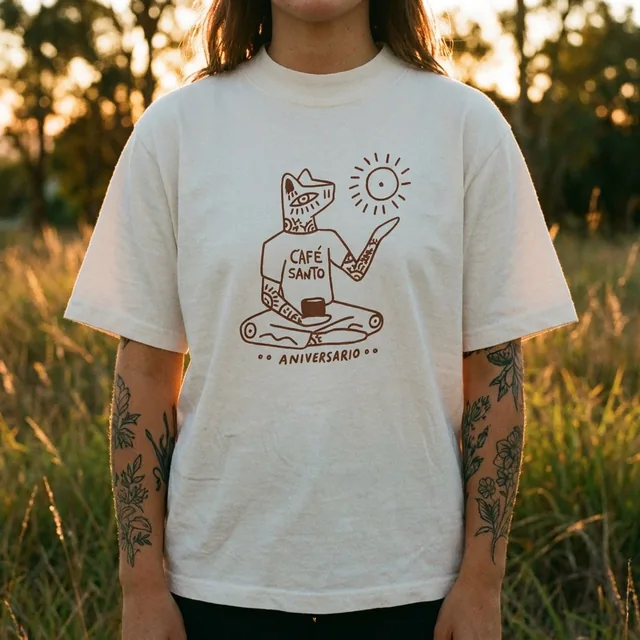
What the AI studio makes from one product photo
The free tools handle quick edits. The studio generates the whole scene — backgrounds, lighting, models and hands — from a single upload.
-p-1080.webp)


eBay presets built in
Sizes follow eBay's published seller guidance, so you do not have to look up pixel counts again.
White padding, not stretching
Photos are centred on a white canvas or cropped — never distorted to hit the target shape.
File-size safe
JPG quality steps down automatically until the file fits under the marketplace limit.
Private and unlimited
Everything happens on your device. No upload, no daily cap, no account.
Keep improving your product photos
Learn the AI product-photo workflow, try another free tool, or work out what a shoot would cost.
Common questions
What size should eBay product images be?
At least 500 px on the longest side; 1,600 px is recommended so buyers can zoom. Up to 12 MB per photo and up to 24 photos per listing.
Will resizing make my photos blurry?
Downsizing keeps photos sharp. If the original is smaller than the target, the tool has to upscale it and flags the file — run those through the AI upscaler for a cleaner result.
Should I pad or crop?
Pad with white when the whole product must stay visible, which is the safe choice for a main image. Crop when the subject has room around it and you want it larger in the frame.
Do the requirements change?
Marketplaces adjust their guidance from time to time. The presets follow eBay's seller help pages as of 2026 — check them before a very large upload.