
Image Converter
Drop any images — HEIC, WebP, PNG or JPG — pick the format you need, and download. Runs in your browser, no upload, no limit.
How to convert images online
1. Drop your images
HEIC from your iPhone, WebP from the web, PNG or JPG — mix them freely.
2. Choose the target format
JPG for small uploads, PNG for transparency, WebP for the web. Set the quality if you want.
3. Download
Single files or the whole batch as a ZIP.
What the AI studio makes from one product photo
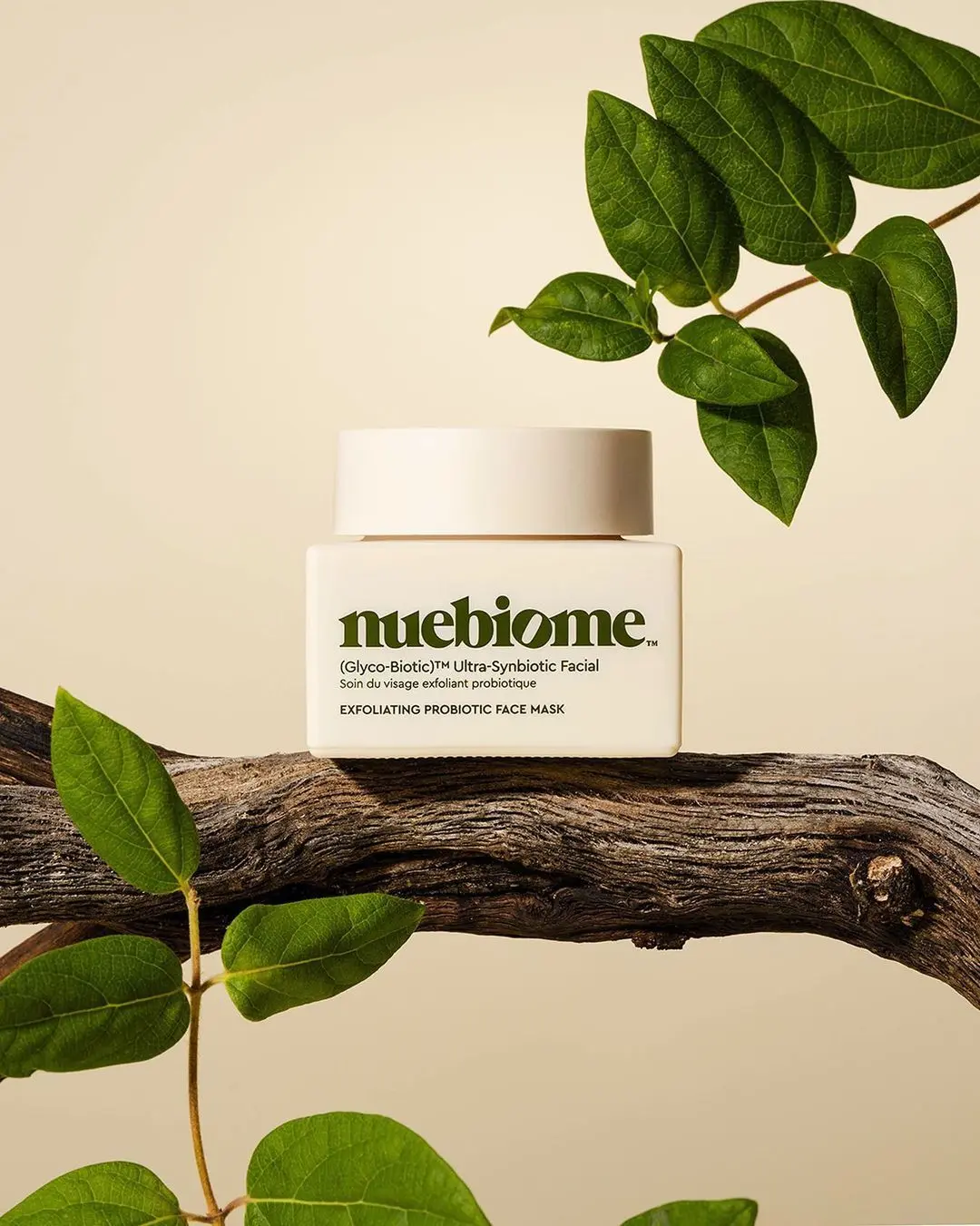
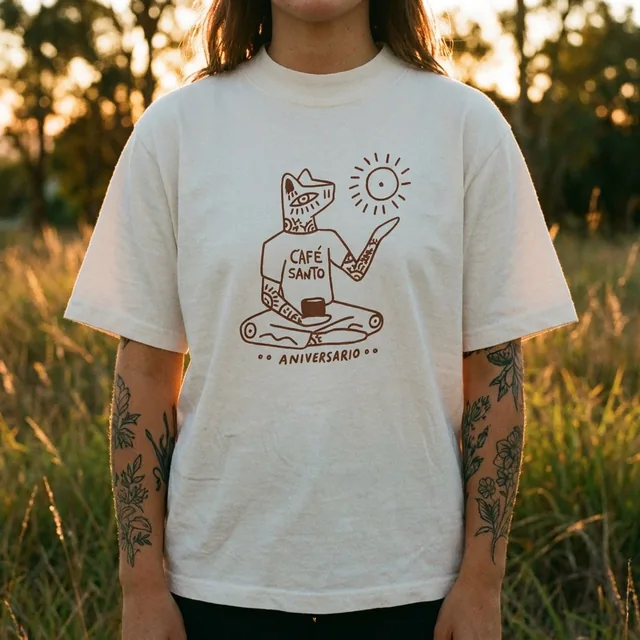
The free tools handle quick edits. The studio generates the whole scene — backgrounds, lighting, models and hands — from a single upload.
-p-1080.webp)

Nothing is uploaded
The converter runs on your device using the browser canvas. Your photos never touch a server.
Free and unlimited
No daily cap, no watermark, no signup.
HEIC support
Opens iPhone HEIC/HEIF photos even in Chrome and on Windows, where the system cannot.
Batch and ZIP
Convert dozens of files at once and download them together.
Keep improving your product photos
Learn the AI product-photo workflow, try another free tool, or work out what a shoot would cost.
Common questions
Which formats can I convert?
Input: HEIC/HEIF, WebP, PNG, JPG, GIF, BMP and AVIF (where your browser supports it). Output: JPG, PNG or WebP.
Is it really free?
Yes — no limits, no account. The tool is a freebie from ProductAI, the AI product photo studio.
Are my images uploaded?
No. Everything happens locally in your browser.
Which format should I use for a product listing?
JPG at 85–92% quality is the safe choice for Amazon, Shopify and Etsy. Use PNG only when you need a transparent background.