Consistent Product Photos Across Every SKU
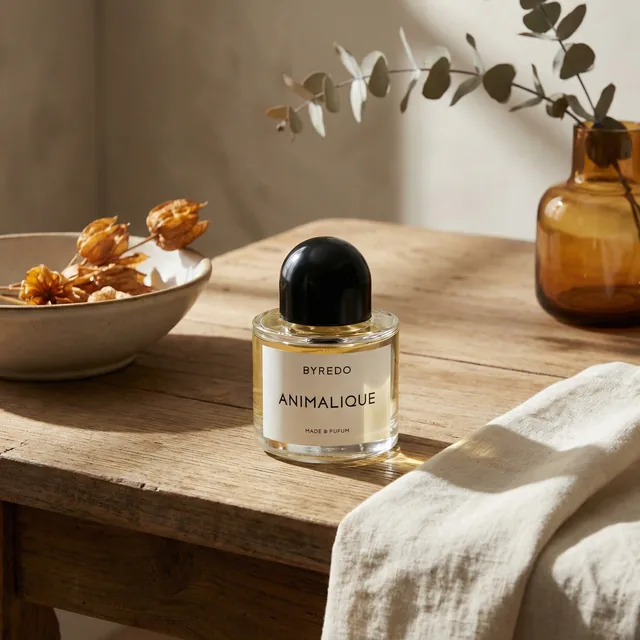
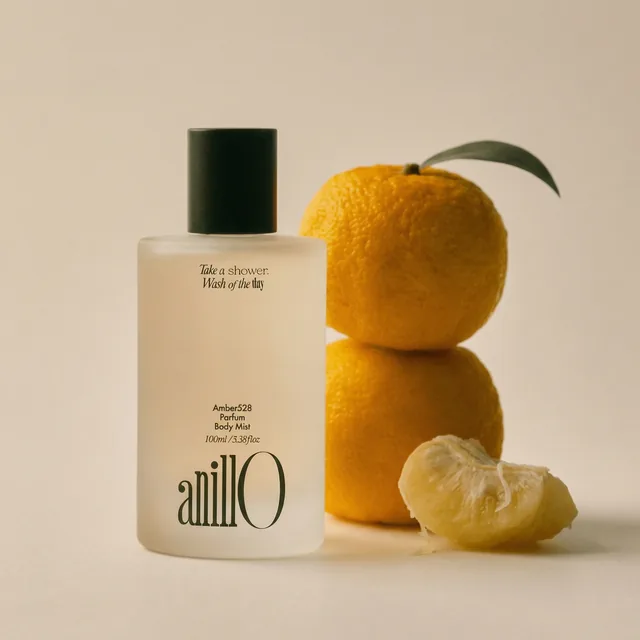
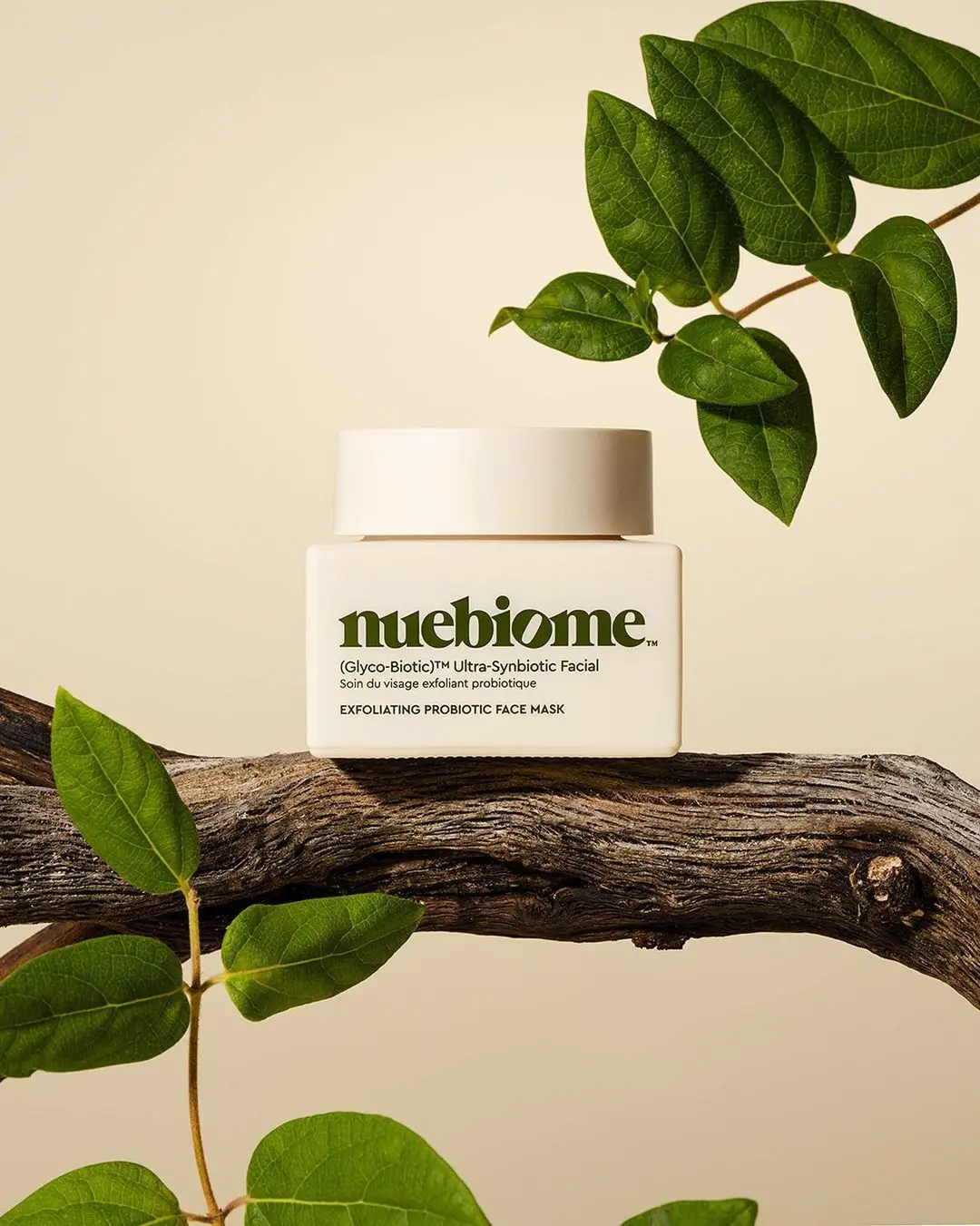
Run one pack of on-brand scenes over your whole catalog. Every image is checked against the real product and approved by your team before it goes live, so SKU 500 looks like SKU 1.
-p-1080.webp)
How to keep product image quality consistent across 500+ SKUs
1. Bring the catalog in once
Connect Shopify or WooCommerce, or send products through the API. Each one arrives with its name, SKU, images and size.
2. Choose one pack of scenes
Pick the scenes that carry your look. The same pack runs over every product, so lighting, backdrop and mood match across the range.
3. Run the whole catalog
The run works through every SKU in the background and emails you when the images are ready to review.
4. Review, then publish
Approve, reject or send back with a note in one review grid. Approved images publish straight to your store.
Your product stays exactly right
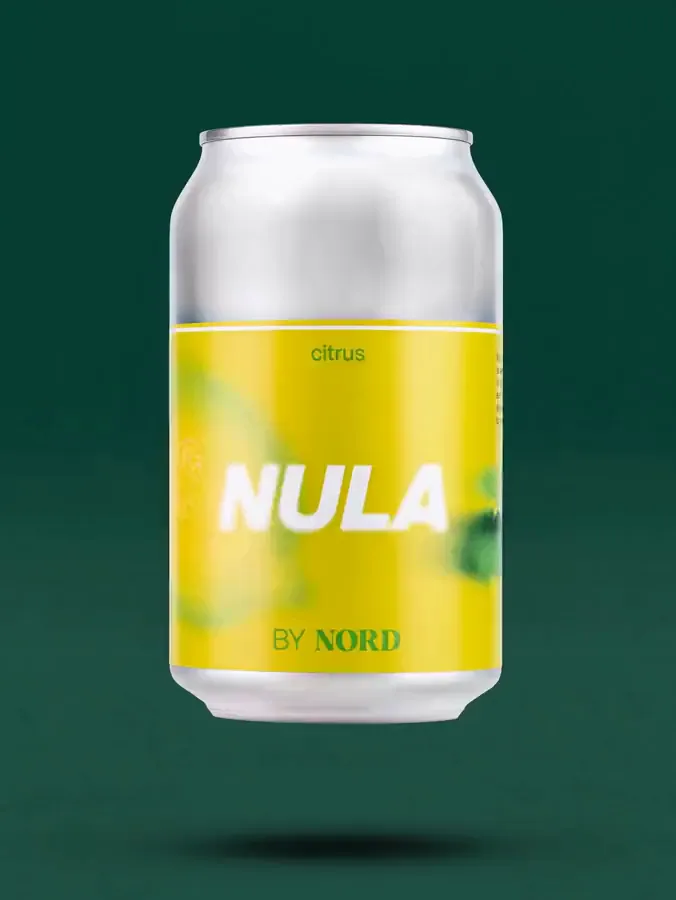
On paid plans, every new photo is checked against the product photo you uploaded. If the label, logo, shape or colour changed, we flag it. Nothing goes to your store until you approve it.
- Label and logo text
- Shape and proportions
- Colour and material
- Your approval before it goes live
Producing a whole catalogue? Every image is fidelity-checked and client-approved before delivery. For agencies and platforms →
 Match 99%
 Approved
Is there a service that learns your brand style and generates matching product photos?
Yes, with one honest caveat about how. ProductAI does not train a private model on your existing photos. Your brand style is captured as a set of reusable scenes: the backdrop, light, props and framing you want, saved once and applied to every product.
That is what makes the result repeatable. A trained model drifts between runs; a saved scene gives the next 50 SKUs the same look as the last 500. You can build scenes yourself in the studio, or send brand guidelines and example images and our team builds custom ones for you.
- Save any result as a template and reuse it across the catalog
- Test scenes on a few products, then roll the winners out to all of them
- Managed production: custom scenes built from your brand references
- Product sizes are read from your store, so scale stays right in every scene
Four things that stop quality drifting at volume
The product is the brief
Every image starts from your real packshot and product data, not from a description of it.
One pack, every SKU
Scenes are matched to each product and spread evenly, so the range looks like one shoot.
A check on every image
A vision model compares each render with your product and flags a changed label, shape or colour. On paid plans.
People approve, not the AI
Nothing reaches your store until someone on your team approves it. Rejected images are redone with your note.
Where consistency breaks, and what fixes it
| Where it breaks | One image at a time in a generic AI tool | ProductAI catalog run |
|---|---|---|
| Look and lighting | A new prompt per product, so every result is a little different | One saved pack of scenes for the whole catalog |
| Product accuracy | You spot a changed label only if you look closely | Fidelity check flags it on every image (paid plans) |
| Scale and size | The tool does not know how big the product is | Sizes come from your store data |
| Sign-off | Files passed around in folders and chat | One review grid, with notes and a share link |
| Next season | Start again from the prompts | Re-sync the catalog and run the same pack on the new SKUs |
The check and the review are the point. No AI gets every product right first time; what matters is that a wrong one cannot go live unnoticed.
Hundreds of on-brand product photos for new SKUs, in weeks
Tom’s Drag, a German maker of hand-painted figures, connected its whole Shopify catalog: 382 products, each with a white packshot. The team tested a library of room scenes on a few pieces, then rolled the winners out to every product.
The runs generated about 9,200 images. The team approved 2,767 of them, which went live straight into the Shopify galleries. From first run to full catalog took 12 weeks, and product pages now carry a median of 7 photos each.
- 382 products synced from Shopify, sizes read automatically
- About 3 in 10 generated images were approved; the rest never left the review grid
- 90% of products now shown in a real scene, 100% with a main photo on white
Do it in-house, or have it produced for you
Catalog Manager
Your team connects the store, picks the scenes and approves the results. Runs on a normal ProductAI plan, paid in credits.
Managed production
For catalogs of 100+ SKUs. Our team builds scenes from your brand references, runs the catalog and checks every image before you review. Starts with a free 2-week trial.
From your own systems
Send products in through the API and get a webhook when images are done, so your PIM or DAM stays the source of truth.
Go deeper on catalog-scale product photography
How the catalog workflow, the managed service and the API fit together.
Consistency at catalog scale
How do I maintain consistent product image quality across 500+ SKUs per season?
Fix the look once and apply it to every product. In ProductAI you choose one pack of scenes, run it over the whole catalog, and review the results in one grid. On paid plans each image is also checked against your product photo, so a changed label, shape or colour is flagged before anyone approves it. When the next season’s SKUs arrive, re-sync the catalog and run the same pack.
Is there a service that learns our brand style and generates matching product photos automatically?
ProductAI keeps your brand style as reusable scenes rather than a trained model. You save the backdrop, light and framing you want as templates, or our team builds custom ones from your guidelines and example images, and those scenes are applied to every product automatically in a catalog run.
Can the AI be trained on our existing product photos to generate new images in the same style?
Not by training a private model. Your existing photos are used in two ways: as the product reference each new image starts from, and as style references for building scenes. That gives the same look across products without a model that drifts between runs.
How can I create hundreds of on-brand product photos for new SKUs in days instead of months?
Once the scenes are chosen, the work is a catalog run plus review. A run covers every product in the background and you only step in to approve. Tom’s Drag went from first run to 2,767 live images across 382 products in 12 weeks, including testing scenes and reviewing every image.
What does it cost at this volume?
In-house, catalog runs use the credits on your ProductAI plan. Managed production, where our team runs and checks the catalog for you, starts with a free 2-week trial on a set of your products. After that you get a quote for the whole catalog based on its size and the channels you need.
Does every generated image come out right?
No, and the workflow assumes that. In the Tom’s Drag example about 3 in 10 generated images were approved. The fidelity check and the review grid exist so the others are caught and redone instead of published.
Which platforms can the catalog come from?
Shopify and WooCommerce connect in a few clicks. You can also paste a product link, upload photos with a SKU and size, or send products through the API. BigCommerce, Wix and Salesforce Commerce Cloud are available on request.
