

Click Connect
Open Integrations and pick Shopify or WooCommerce. Claude connects with one click from the same page.
Connect your products once. Publish on‑brand photos and video to your storefront, marketplaces, social and AI agents without the manual work.
 Shopify
 WooCommerceAmazon
 eBay
 Etsy
 Social
 Claude
Plug in your store and your catalog is in ProductAI in minutes. Every approved image and video then goes back out to the channels you sell on, sized and formatted for each.
ShopifyProducts, SKUs, sizes, imagesOne clickWooCommerceProducts and imagesOne click Your catalog
Scenes, review, fidelity check, video
ONE SOURCE OF TRUTH
Shopify storefrontStraight into product galleriesOne clickeBay and EtsySized to each marketplaceExportSocial and adsVertical 9:16 video and stillsExportClaude and AI agentsProductAI MCP serverOne click
 Zapier and n8nWebhooks into any workflowVia API
Open Integrations and pick Shopify or WooCommerce. Claude connects with one click from the same page.
Approve ProductAI in your store admin. No code, no CSV exports, no developer.
Every product arrives with its name, SKU, images, variants, description and size. Re-sync any time.
BigCommerce, Wix and Salesforce Commerce Cloud on request. Ask for your platform
Products, variants, SKUs, sizes and descriptions come straight from your store. Your catalog is the brief, and every shot starts from it.
Pick the products, pick the scenes, start the run. Approved images publish straight into your Shopify galleries.
Marketplace listings, short video, AI shopping agents. A connected catalog is ready for whatever channel comes next.
“We connected the whole Shopify catalogue, tested a library of room scenes on a few pieces with the team, then rolled the winners out to every product. Approved images publish straight into the Shopify galleries.”
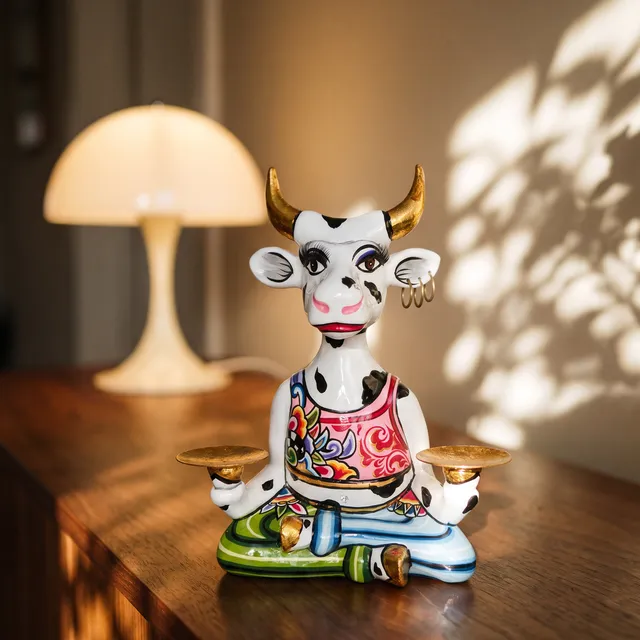
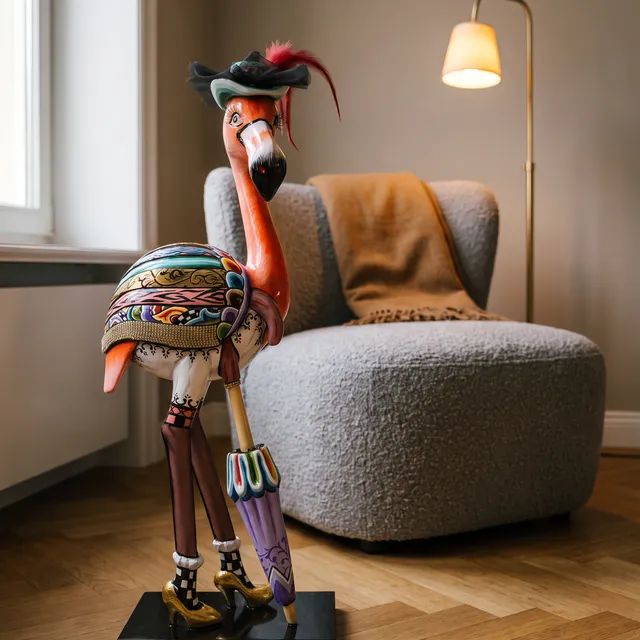
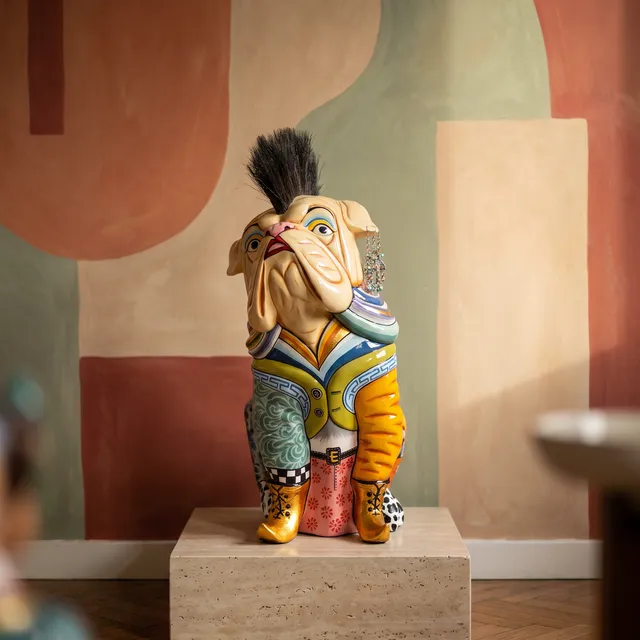
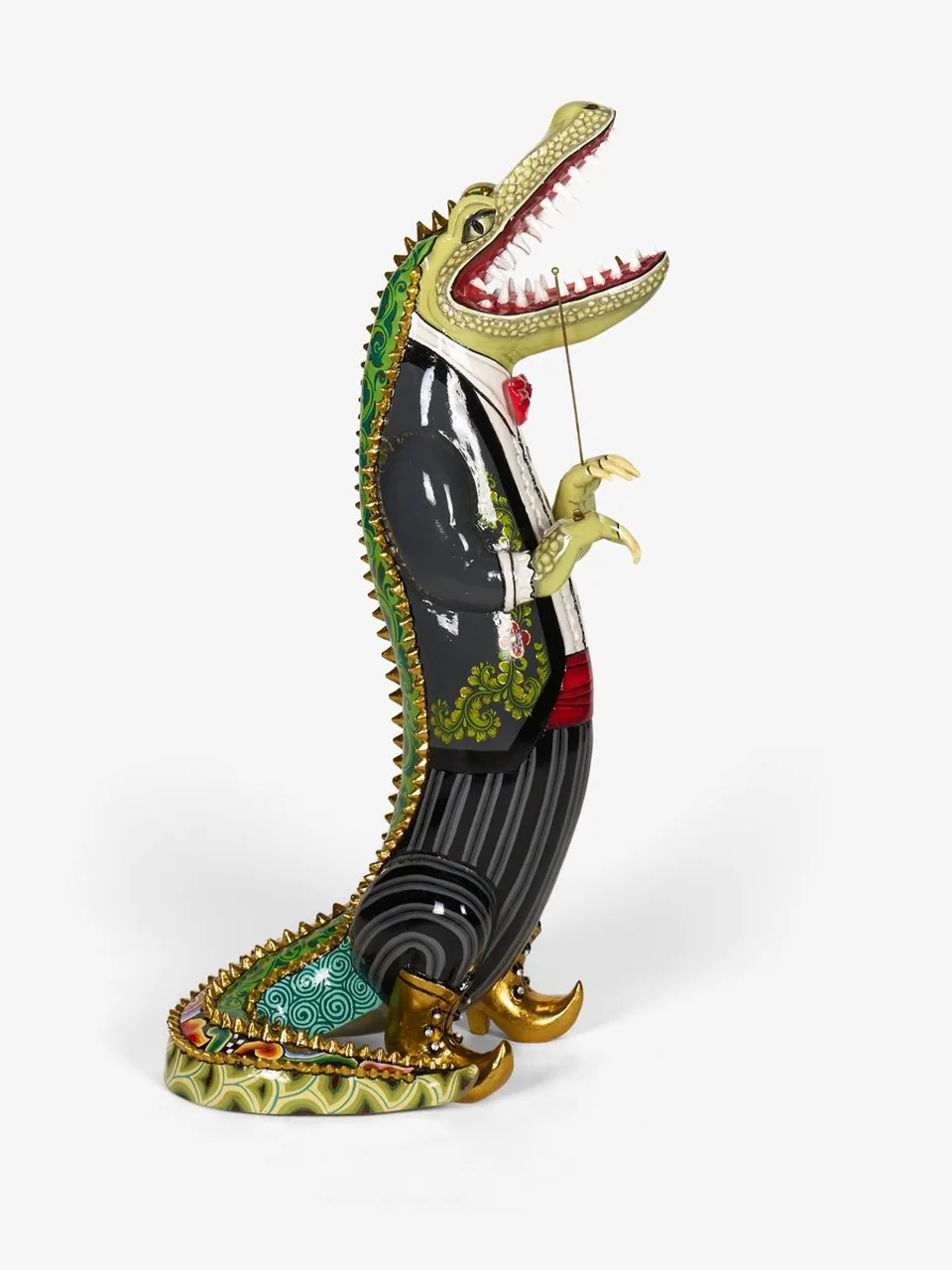
Every scene below started as a white packshot in Tom’s Drag’s Shopify store. Same products, exact details, a room that fits each one.
Your store already knows what you sell. ProductAI reads it, so every image starts from the real product.
Shopify and WooCommerce sync bring in every product with its name, SKU, images, variants and description. Re-syncs update, never duplicate.
Sizes come from your variant options, metafields and tags, so a 90 cm console never shows up as a trinket.
Each product is profiled as standing on the floor, sitting on a table or hanging on the wall, and scenes are matched to fit.
Not on Shopify? Paste a product link, upload photos with a SKU and size, or send products in through the API.
Your team decides what goes live. ProductAI does the producing, checking and redoing.
Every image from a run lands in one grid. Approve it, reject it, or send it back with a note and it is redone with your correction.
A vision model compares each render with your product and flags a changed label, shape or colour, or a size that looks off. On paid plans.
Send a share link with the approved or finished images to colleagues, clients or the brand team.
Invite your team into one workspace with shared credits, products and connected stores.
Runs work through your whole catalog in the background. You only step in to approve.
Choose products and a pack of scenes. Each product gets a scene that fits, spread evenly, and a re-run gives every product a new one.
Approved images go into the product galleries with alt text, in the order you choose. Changed your mind? Undo for 30 days.
Add your video templates and every product also gets short video made from its own approved photo.
Big runs keep going in the background. You get an email when the images are ready to review.
The ProductAI API takes your products in and calls your webhooks when images are done, so Zapier, n8n or your PIM can take it from there.
“Make a lifestyle shot for every product that only has a packshot.” Claude runs it through ProductAI and you review the results.
The images you approve once are ready for every place you sell, in the size and format each one needs.
Gallery images and lifestyle scenes for every product page, published straight to Shopify.
Amazon listing sets plus the right size and format for Amazon, eBay, Etsy and Shopify, with our free marketplace image resizer.
Vertical 9:16 video and ad stills from the photos you already approved.
ProductAI works inside Claude and other agents through our MCP server, so your catalog is ready for agentic commerce.
Your AI is only as good as the catalog it works on. These run on the products you already connected.