
WebP to PNG Converter
Drop your WebP files and get PNG back instantly. The conversion runs in your browser, so nothing is uploaded and there is no daily limit.
How to convert WebP to PNG
1. Drop your WebP files
One file or a whole batch — drag them in or browse.
2. Convert in your browser
Each file is decoded and re-encoded as PNG locally, at full resolution.
3. Download the PNG
Save files one by one, or grab the whole batch as a ZIP.
What the AI studio makes from one product photo
The free tools handle quick edits. The studio generates the whole scene — backgrounds, lighting, models and hands — from a single upload.
-p-1080.webp)


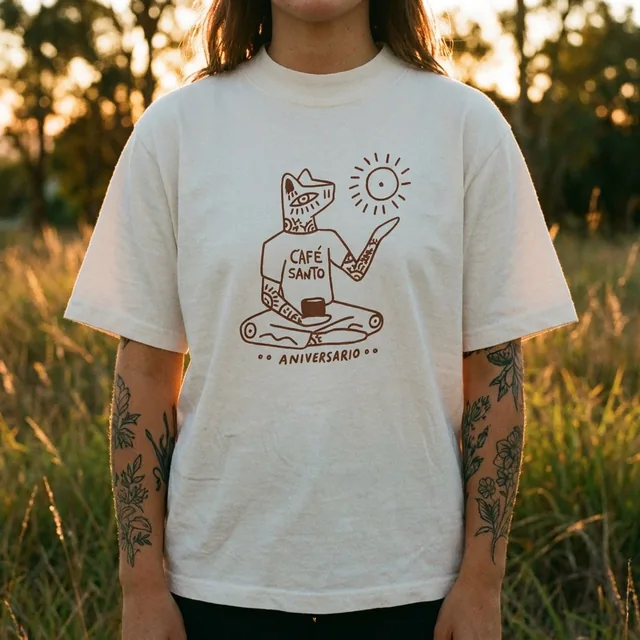
Nothing is uploaded
The converter runs on your device. Your photos never touch a server.
Free and unlimited
No daily cap, no watermark, no signup. Convert as many files as you need.
Batch conversion
Drop dozens of files at once and download them together as a ZIP.
Full resolution
Pixels are kept exactly as they are — only the container changes to PNG.
Keep improving your product photos
Learn the AI product-photo workflow, try another free tool, or work out what a shoot would cost.
Common questions
Is the WebP to PNG converter free?
Yes, completely. There is no limit on the number of files and no account is required.
Are my images uploaded anywhere?
No. The conversion happens in your browser using the canvas API, so the files never leave your computer or phone.
Does it work with large WebP files?
Yes. Files up to about 50 MB convert fine on a modern laptop; very large images simply take a few seconds longer.
Will the PNG be larger than the WebP?
Usually yes — PNG is lossless, so photos get bigger. Use it when you need transparency or perfect quality; use JPG for smaller uploads.