
Image Splitter
Cut one photo into perfectly aligned tiles — a 3×3 Instagram grid, a 3-panel carousel, or any rows × columns you need. Runs in your browser, download as ZIP.
How to split an image into a grid
1. Upload the image
Use a wide shot for carousels and a square one for grids — or let the tool crop it to square.
2. Choose the layout
3×1 carousel, 3×3 grid, 2×2, or your own rows and columns.
3. Download the tiles
Numbered in posting order, as a ZIP or one by one.
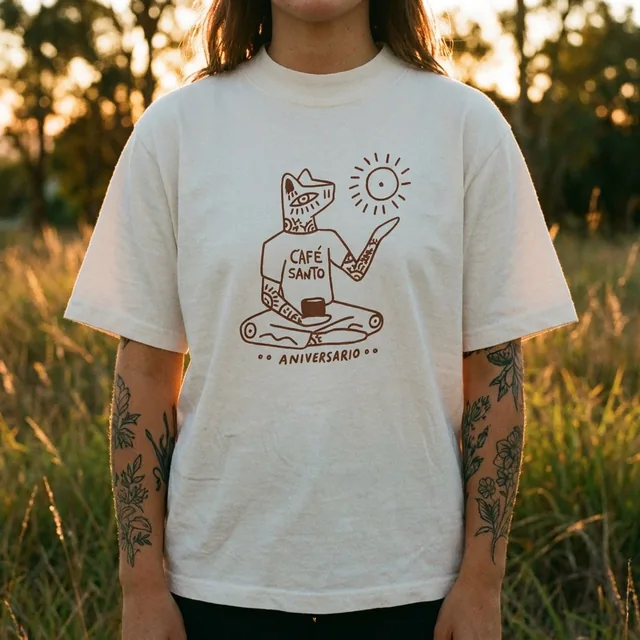
What the AI studio makes from one product photo
The free tools handle quick edits. The studio generates the whole scene — backgrounds, lighting, models and hands — from a single upload.
-p-1080.webp)


Pixel-perfect seams
Tiles are cut to the exact same size, so the image lines up when posted.
Instagram-ready
Square crop option and posting-order numbering for grids and carousels.
Any grid
From 2 panels to 6×6 — set the rows and columns yourself.
Free and private
Nothing is uploaded. No limit, no watermark, no signup.
Keep improving your product photos
Learn the AI product-photo workflow, try another free tool, or work out what a shoot would cost.
Common questions
How do I split an image for an Instagram grid?
Upload a square image (or tick “crop to square”), choose 3×3 and download. Post the tiles in reverse order — tile 9 first, tile 1 last — so the grid reads correctly on your profile.
How do I make a seamless carousel?
Upload a wide image, choose 3×1 (or however many panels you want) and post the tiles as one carousel in order 1, 2, 3.
What size should the tiles be?
Instagram grid tiles display at 1:1 (they are cropped from 4:5 posts); carousels can be 1:1 or 4:5. The tool keeps your original resolution.
Is the image uploaded?
No. Splitting is done with the browser canvas on your device.