
Image Color Changer
Click the color you want to replace, pick the new one, and the tool recolors just that part of the photo — texture, shading and highlights intact. Runs in your browser.
How to change the color of an image
1. Upload a photo
A product shot works best — the tool auto-detects its main color.
2. Pick old and new
Click the image to choose the color to replace, then pick the new color. Adjust the range if too much or too little changes.
3. Download
Export at full resolution as PNG or JPG.
What the AI studio makes from one product photo
The free tools handle quick edits. The studio generates the whole scene — backgrounds, lighting, models and hands — from a single upload.
-p-1080.webp)
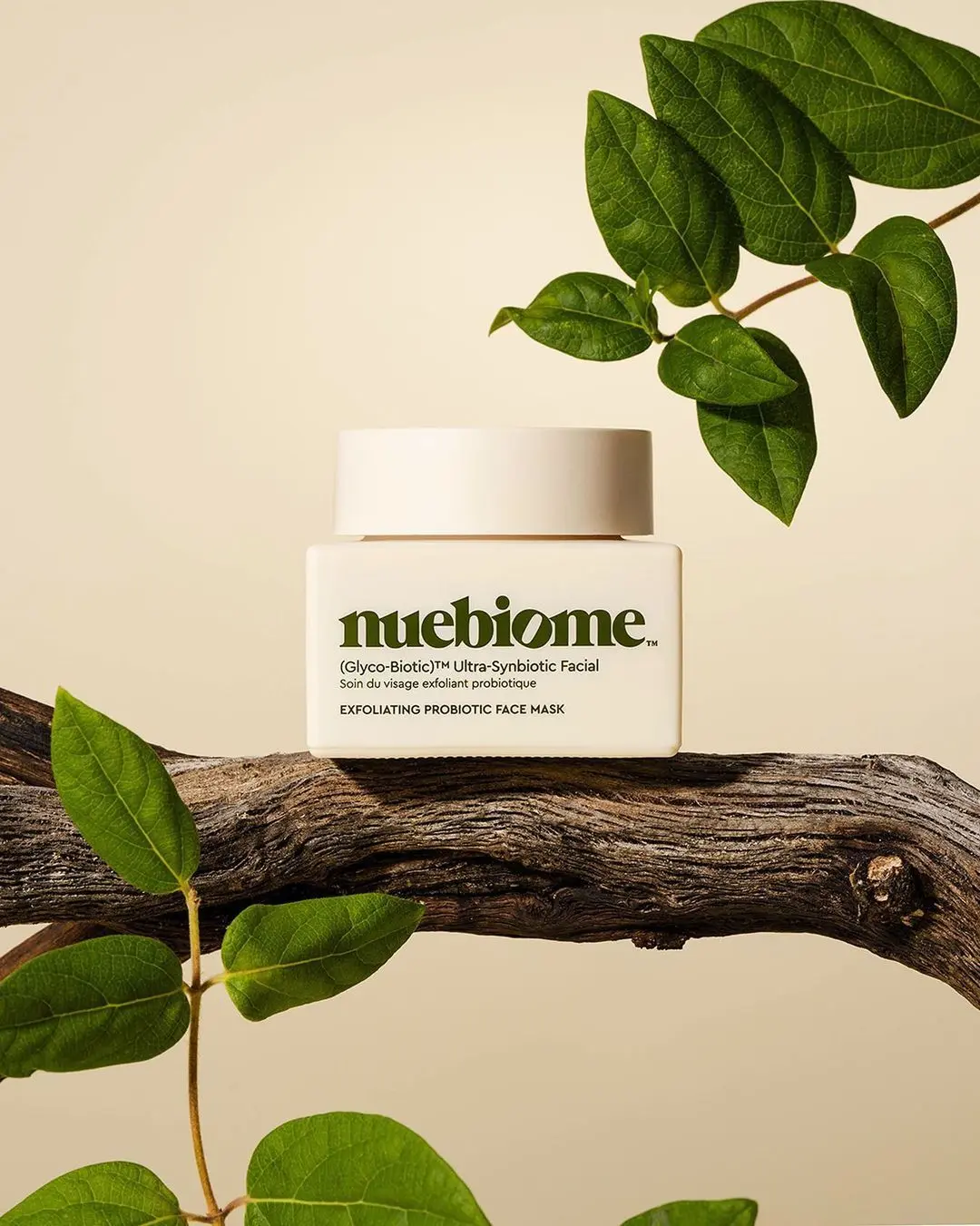
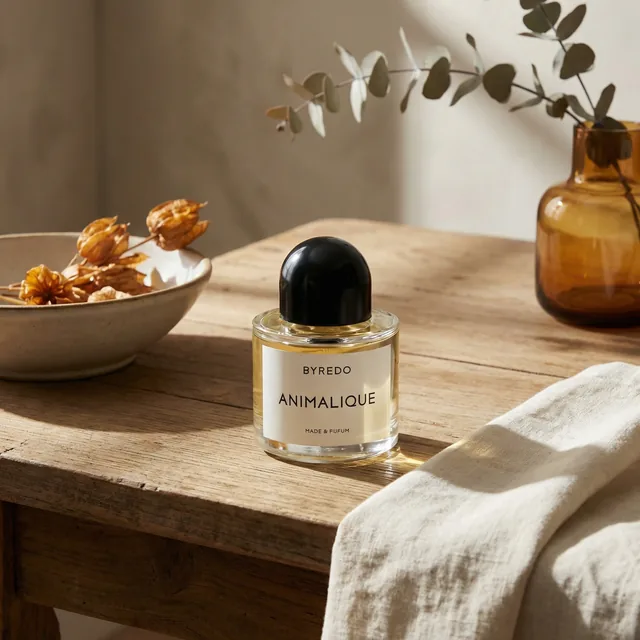
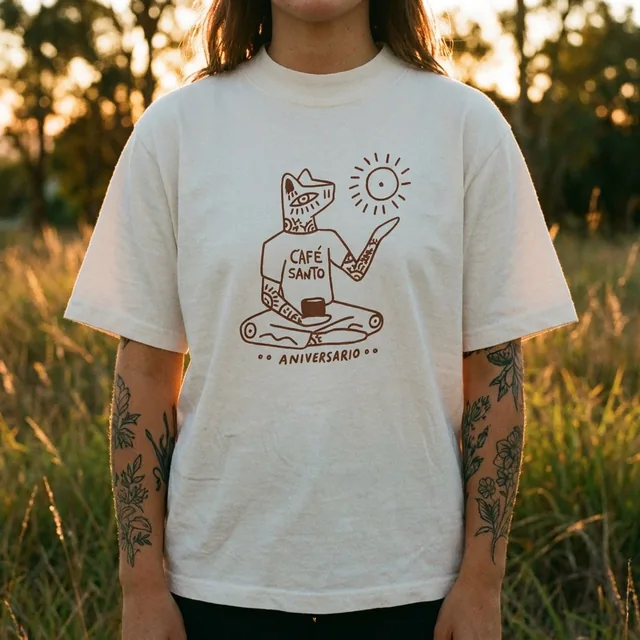
Keeps the shading
Only the color changes — shadows, highlights and fabric texture stay exactly as photographed.
Product color variants
Turn one photo into every colorway for your listing without reshooting.
Precise range control
Tighten or widen the color range so the background and skin tones stay untouched.
Free and private
Runs on your device. No upload, no limit, no signup.
Keep improving your product photos
Learn the AI product-photo workflow, try another free tool, or work out what a shoot would cost.
Common questions
How do I change the color of an object in a picture?
Upload the picture, click the object to sample its color, choose the new color and download. The tool shifts only pixels close to the sampled color.
Can I change a product’s color for my shop?
Yes — that is what it is built for. Recolor one hero shot into each variant. For complex products with multiple colors, the AI studio gives cleaner results.
Why did part of the background change too?
Its color was close to the one you picked. Keep “Only the area you picked” on, lower the “range” slider until only the object moves, or pick a more specific spot on the object.
Can it recolor white, black or grey objects?
Yes — pick the object and choose the new color; its shading is kept. A white object on a white background is hard to separate, so lower the range or use the AI studio, which repaints just the product.