
Color Picker from Image
Upload a photo, hover to read any pixel’s HEX code, and get the dominant color palette extracted automatically. Runs in your browser — nothing is uploaded.
How to pick a color from an image
1. Upload an image
A product photo, a logo, a screenshot, a mood board — anything.
2. Hover and click
Move over the image to read the color under the cursor. Click to add it to your picks.
3. Copy the codes
Copy HEX, RGB or HSL for any swatch, or export the whole palette as an image.
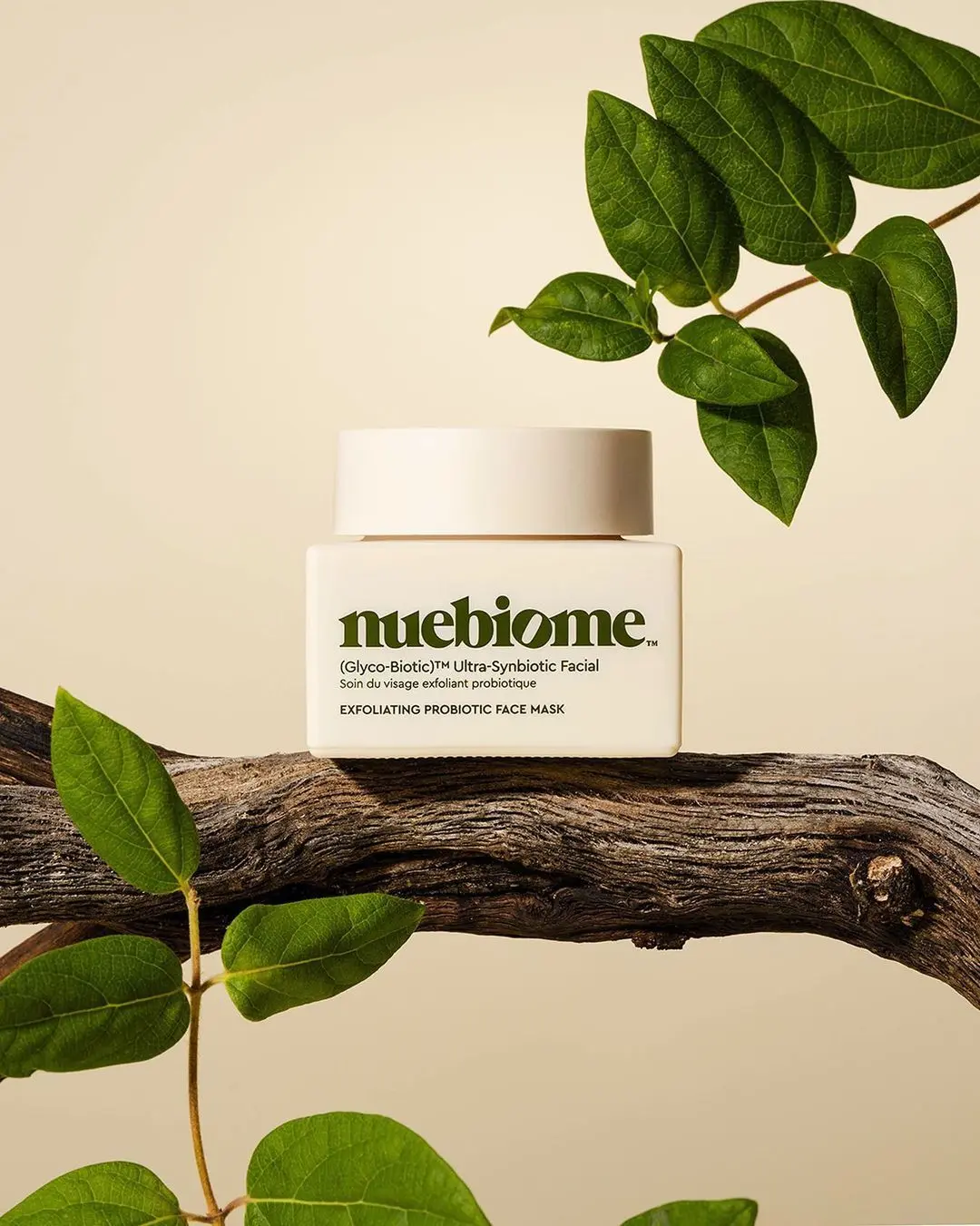
What the AI studio makes from one product photo
The free tools handle quick edits. The studio generates the whole scene — backgrounds, lighting, models and hands — from a single upload.
-p-1080.webp)


Automatic palette
The 6 dominant colors are extracted the moment the image loads.
Pixel-exact picker
Zoomed eyedropper reads the true pixel value — no averaging surprises.
HEX, RGB and HSL
One click copies the code in the format your CSS, Figma or Shopify theme needs.
Private and free
The image never leaves your device. No limits, no signup.
Keep improving your product photos
Learn the AI product-photo workflow, try another free tool, or work out what a shoot would cost.
Common questions
How do I get the HEX code of a color in a picture?
Upload the picture, move your cursor over the color and read the HEX value next to the eyedropper. Click to lock it and copy.
Can I extract a color palette from a photo?
Yes. The tool clusters the image’s pixels and shows the 6 dominant colors as swatches, each with its HEX code.
Is the image uploaded?
No — the picker reads pixels from your browser’s canvas. Nothing is sent to a server.
Why should a brand extract colors from product photos?
Matching your listing backgrounds, buttons and ads to the product’s real colors makes the whole page look designed instead of assembled.