
User-generated content (UGC) is any content created by real customers, fans, or community members—photos, videos, reviews, testimonials, unboxings, tutorials, "before & after" posts, and more. When you share user-generated content on social media, you're publishing proof that real people buy, use, and like your product.
The most scalable "creative team" is often your customer base—if you know how to share user-generated content on social media consistently.
What Is User-Generated Content (UGC) in Social Media Marketing?
User-generated content (UGC) is any content created by real customers, fans, or community members—photos, videos, reviews, testimonials, unboxings, tutorials, "before & after" posts, and more. When you share user-generated content on social media, you're publishing proof that real people buy, use, and like your product.
The most scalable "creative team" is often your customer base—if you know how to share user-generated content on social media consistently.
UGC vs. influencer content vs. brand content
- Brand content: produced by your team (studio shoots, campaigns, ads).
- Influencer content: produced by paid creators (often more polished, but can feel like an ad).
- UGC: produced by customers (raw, authentic, and trust-building).
In practice, you can blend all three—but the goal here is to share user-generated content on social media in a way that looks intentional and on-brand.
Why Share User-Generated Content on Social Media?
Brands share user-generated content on social media because it improves performance where it matters: attention, trust, and conversions.
Top benefits of sharing UGC
- Trust at scale: Real customers reduce skepticism.
- More engagement: People respond to people, not perfect ads.
- Faster content production: Less time in production, more time testing.
- Better ad creative: UGC-style ads often lower CAC when the message is clear.
- Community flywheel: Featuring customers encourages more customers to post.
If your product visuals need a clean baseline for marketplaces or consistent branding before you layer UGC, start with a compliant hero image. See: white background photo.
Where to Share User-Generated Content on Social Media (and Beyond)
Most teams think "UGC = Instagram," but the highest ROI often comes when you share user-generated content on social media and repurpose it across the full funnel.
High-impact placements
- Instagram: Reels, Stories, carousel posts, highlights.
- TikTok: Creator-style demos, reactions, voiceovers.
- YouTube: Shorts + longer review compilations.
- Paid ads: Meta/TikTok/YouTube ads using UGC-style hooks.
- Product pages (PDP): UGC gallery + review callouts.
- Email + SMS: "Customer spotlight" sections and social proof blocks.
- Marketplaces: Use UGC-inspired lifestyle images where policies allow.
To scale variations (different scenes, props, backgrounds) without reshoots, consider generating variations using AI product photography.
Types of UGC You Should Share on Social Media
To share user-generated content on social media effectively, diversify formats so your feed doesn't feel repetitive.
UGC formats that work well
- Customer selfies / lifestyle shots: Product in real life.
- Unboxing videos: Packaging, first impressions, "what's included."
- Tutorials / demos: "How to use" + results.
- Before & after: Strong for beauty, wellness, home, cleaning.
- Reviews & testimonials: Screenshot + caption, or read aloud.
- Q&A responses: Customers answering customer questions.
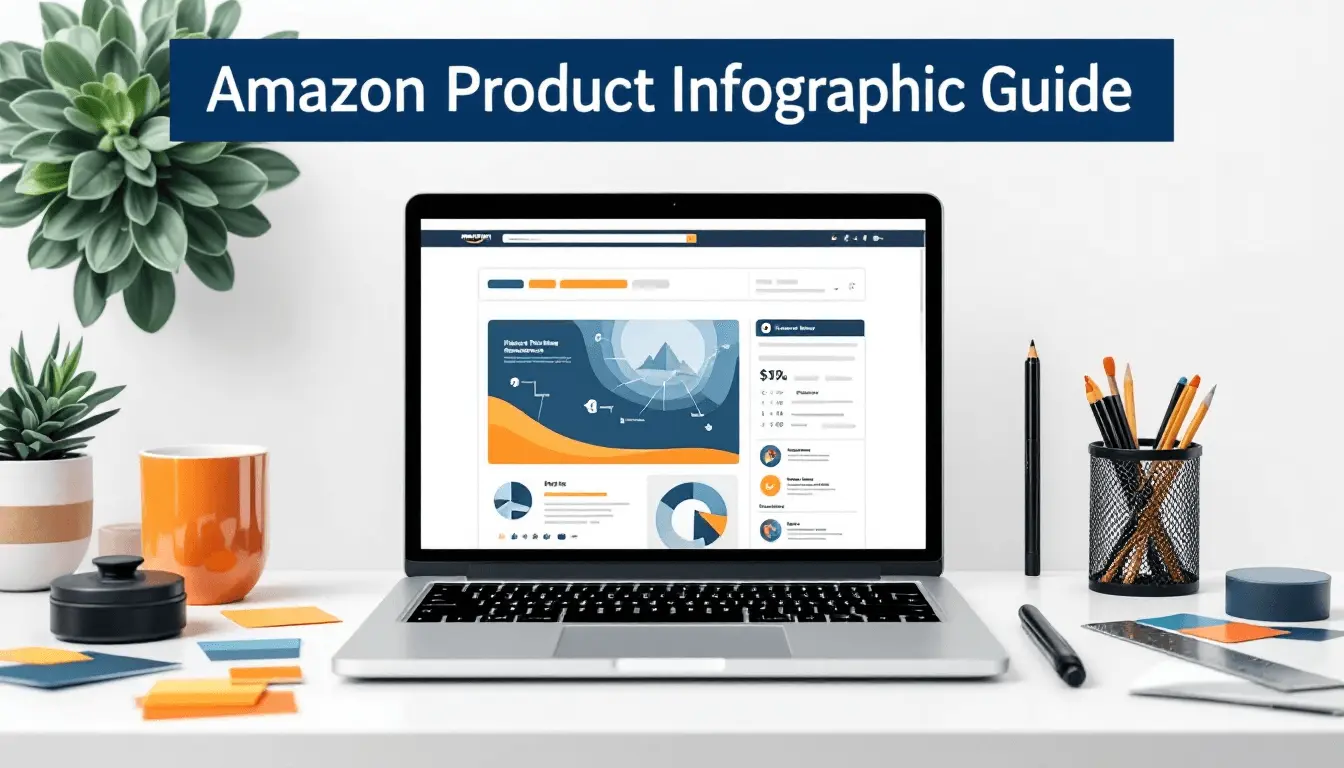
Turn UGC into scannable proof with simple graphics. Inspiration: Amazon product infographic.
How to Get UGC (So You Can Share User-Generated Content on Social Media Consistently)
The easiest way to share user-generated content on social media every week is to build a system that collects it automatically.
Proven ways to collect UGC
- Post-purchase email: Ask for a photo/video 7–14 days after delivery.
- Hashtag prompts: Encourage a branded hashtag + feature it in bio and packaging.
- Review incentives (policy-safe): Incentivize reviews (not positive reviews).
- Community challenges: "Show your setup," "before/after," "how you use it."
- Creator seeding: Send product to micro-creators to generate UGC-style assets.
Need a creator ecosystem? See: best UGC platforms for creators.
Permission and rights (don't skip this)
Before you share user-generated content on social media, get clear permission to repost—especially if you plan to use the content in paid ads. Keep a simple permission workflow (DM template + logged approval).
Use Case Explanations: How Different Brands Share User-Generated Content on Social Media
Use case 1: Ecommerce brands building social proof
Ecommerce brands share user-generated content on social media to reduce purchase anxiety. The best approach is a weekly rhythm: customer spotlight → demo → before/after → review carousel.
Use case 2: Amazon + marketplace sellers improving conversion
Marketplace sellers use UGC-inspired lifestyle visuals to answer questions quickly (use, scale, benefits). Pair UGC-like images with clean compliance assets and listing strategy. See: Amazon listing optimization.
Use case 3: DTC brands scaling paid ads
For paid social, the goal is to share user-generated content on social media in formats that stop the scroll: hook in the first 1–2 seconds, clear benefit, and a believable "real person" feel. If you need volume fast, generate variants with AI product photography.
Use case 4: Service businesses and creators building authority
Service businesses can share user-generated content on social media via client wins, testimonials, and behind-the-scenes clips—then package them into highlight reels and case-study posts.
Step-by-Step Tutorial: How to Share User-Generated Content on Social Media (Repeatable Workflow)
This workflow is designed so you can share user-generated content on social media every week without chaos.
1. Set a UGC intake channel
Create one place where all content lands: a hashtag tracker, a shared drive folder, or a form. Consistency here is what makes it possible to share user-generated content on social media at scale.
2. Create a permission checklist
Use a simple permission message: what you'll use it for, where it will appear, and whether it includes paid usage. Log approvals.
3. Sort UGC by intent (proof, demo, lifestyle)
Label each asset by job: trust, education, or desire. This helps you share user-generated content on social media with the right caption and placement.
4. Lightly brand it (without killing authenticity)
Add subtle brand elements: small logo bug, consistent captions, or a light frame. If you need clean cutouts or fast edits first, use background removal.
5. Create 3 content versions from 1 UGC asset
Repurpose: (a) Reel/TikTok, (b) carousel, (c) Story sequence. This multiplies output so you can share user-generated content on social media more often.
6. Add conversion context
Include a benefit, a result, or a "why it works." UGC alone is proof; your caption turns it into a decision.
7. Publish + pin + highlight
Pin your best-performing UGC posts. Add top UGC to Highlights (e.g., "Reviews," "Results," "Unboxings").
8. Measure and iterate weekly
Track saves, shares, watch time, CTR to PDP, and attributed conversions. Double down on formats that outperform.
Video: How to repurpose one UGC clip into multiple posts so you can share user-generated content on social media consistently.
FAQ: Share User-Generated Content on Social Media
Do I need permission to share user-generated content on social media?
Yes. Always get explicit permission to share user-generated content on social media, especially if you plan to run it as an ad.
How often should I share user-generated content on social media?
A strong baseline is 2–4 UGC posts per week. If you have the pipeline, you can share user-generated content on social media daily in Stories and 3–5x weekly in feed/Reels.
How do I make UGC look on-brand?
Use light-touch branding (consistent captions, colors, and framing). For a consistent visual foundation, create clean images using white background photo standards and layer UGC on top.