
Creative clothing photography starts with recognizing why it matters: your images must build confidence when shoppers cannot touch or try on the garment. Strong visuals reduce hesitation by showing fit, texture, color accuracy, and styling ideas.
Creative clothing photography answers questions before customers ask them.
To build a consistent foundation, pair your apparel visuals with clean catalog images. Start here: white background photo. For broader fashion guidance, see clothing product photography.
Why Creative Clothing Photography Matters (Conversion + Brand Trust)
Apparel shoppers can't touch fabric or try items on—so your images must do the "confidence-building" work. Strong apparel photography reduces hesitation by showing:
- Fit: how it drapes, where it sits, how it moves
- Texture: knit vs. woven, thickness, sheen, structure
- Color accuracy: fewer surprises = fewer returns
- Styling ideas: how to wear it and what it pairs with
The best clothing photography answers questions before customers ask them.
7 Creative Clothing Photography Ideas (That Actually Sell)
Use these ideas as a repeatable playbook. Mix 2–3 of them per SKU to build a gallery that feels premium, consistent, and conversion-focused.
1) The clean studio hero (your "baseline" image)
Every collection needs a consistent hero image. This baseline prioritizes clarity and merchandising: centered framing, consistent lighting, and simple styling.
- Best for: Shopify PDPs, marketplaces, product grids
- Pro tip: build a strict shot stack and repeat it across every SKU
2) Ghost mannequin effect (premium fit without a model)
Ghost mannequin is the classic technique for showing shape and structure while keeping the focus on the garment. It's especially effective for shirts, jackets, and dresses.
Learn the full workflow: ghost mannequin effect.
3) Flat lay styling (editorial, fast, and repeatable)
Flat lays are the highest-ROI format here because they're quick, consistent, and easy to scale—especially for tees, denim, accessories, and sets.
Get the styling checklist: flat lay photography.
4) Styled outfit set (show how to wear it)
Instead of photographing one item in isolation, build a mini "look." A styled set boosts perceived value and reduces "what do I wear this with?" friction.
- Best for: ads, organic social, collection launches
- Pro tip: keep the hero product dominant; everything else supports it
5) Detail macros (fabric, stitching, trims)
Macro detail shots are the trust builders. Show stitching, fabric texture, zippers, buttons, lining, and labels—especially for premium pricing.
- Best for: higher AOV items, luxury fabrics, performance wear
- Pro tip: keep lighting soft to avoid harsh highlights on shiny materials
6) Motion + movement (make fabric feel "real")
Motion shots (a step, a twirl, fabric in wind) bring garments to life. Motion communicates drape and comfort in a way static images can't.
- Best for: Reels, TikTok, paid social, landing pages
- Pro tip: shoot in burst mode and pick the cleanest silhouette
7) On-brand lifestyle scenes (tell the story)
Lifestyle imagery is where clothing photography becomes brand-building. Use locations, props, and context that match your customer persona—without clutter.
For story-driven guidance, see: product lifestyle photography.
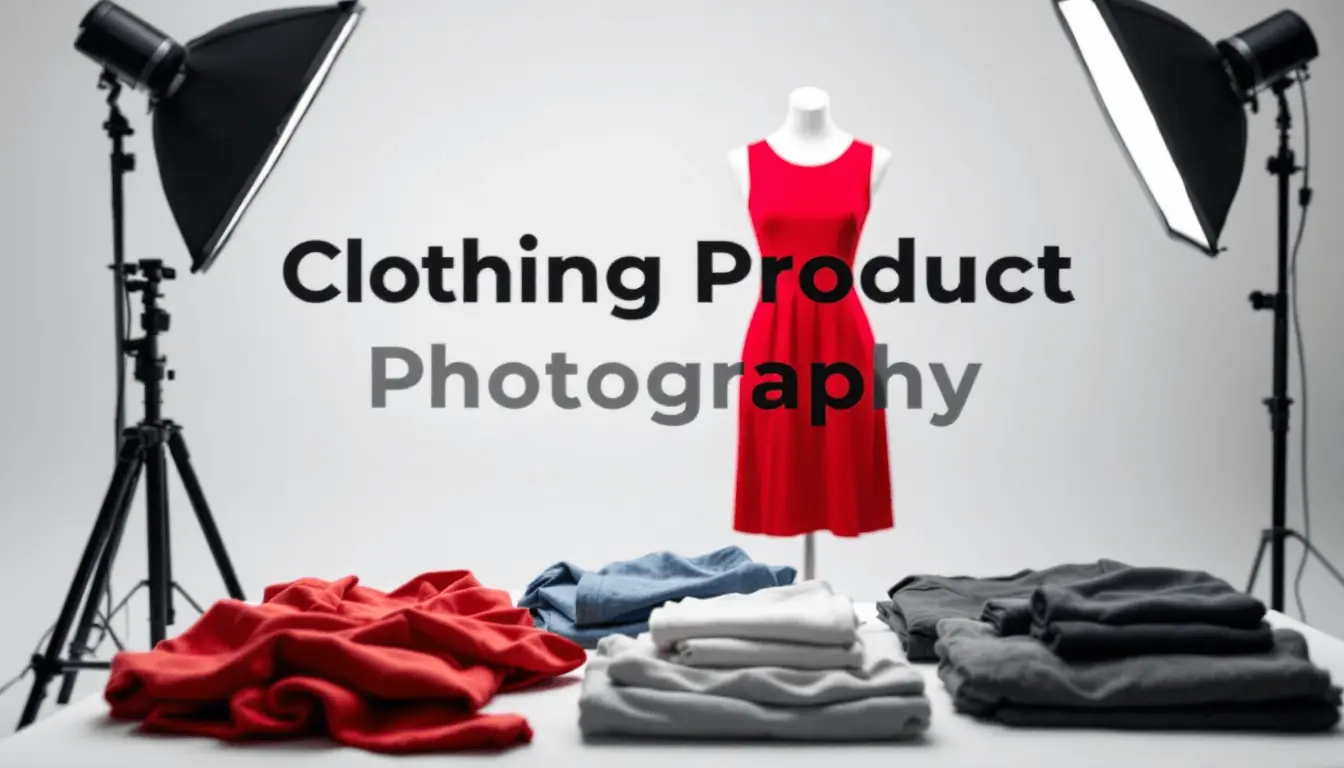
A balanced gallery mixes formats: clean hero + fit + details + lifestyle.
Want to make scenes look more premium? Use these frameworks: product styling and product staging.
Use Case Explanations: Where Creative Clothing Photography Drives ROI
Use case 1: Shopify / DTC product pages (PDP galleries)
For DTC, the gallery should reduce uncertainty: lead with a clean hero, then show fit, texture, and styling. Aim for a consistent shot stack across the collection.
Use case 2: Marketplaces (clarity + compliance)
Marketplaces reward clarity. Start with a compliant hero image and use secondary images for fit, details, and scale. A strong foundation starts with a white background photo.
Use case 3: Paid ads (thumb-stopping variants)
Ads need speed: ads need 2–3 versions that communicate value instantly—clean hero, styled outfit, and motion (or a detail macro for premium fabrics).
Use case 4: Resale platforms (Depop / Poshmark / Mercari)
If you're selling on resale platforms, photography wins when it's honest and consistent: good lighting, multiple angles, and clear condition details. For more tactics: how to take photos of clothes to sell.
Step-by-Step Tutorial: A Repeatable Creative Clothing Photography Workflow
Use this workflow to produce consistent apparel photography across an entire catalog—fast.
- Define your "shot stack" for each SKU: Pick a repeatable set: (a) clean hero, (b) fit shot (model or ghost mannequin), (c) detail macro, (d) lifestyle or styled outfit. This is the backbone of shooting apparel at scale.
- Standardize lighting + background first: Before you add creative variations, lock your baseline look. If you need a consistent catalog foundation, use a white background photo standard.
- Prep garments like a pro: Steam, lint-roll, and pin for shape. Results are only as good as the garment prep.
- Capture the fit (model or ghost mannequin): Show silhouette and structure. If you want the "worn" look without a model, use the ghost mannequin effect.
- Add 1–2 creative variations: Rotate one variable: background, prop, location, or styling. Controlled variation is what keeps the catalogue on-brand (instead of random).
- Export for every channel: Export 1:1, 4:5, and 9:16 at minimum. Name files consistently and compress for speed (especially for Shopify). For size guidance, see Shopify image size.
- Fill gaps (or create more scenes) with ProductAI: If you're missing lifestyle images or need more variants, generate new looks without reshooting. ProductAI helps you scale these formats for launches, ads, and seasonal drops.
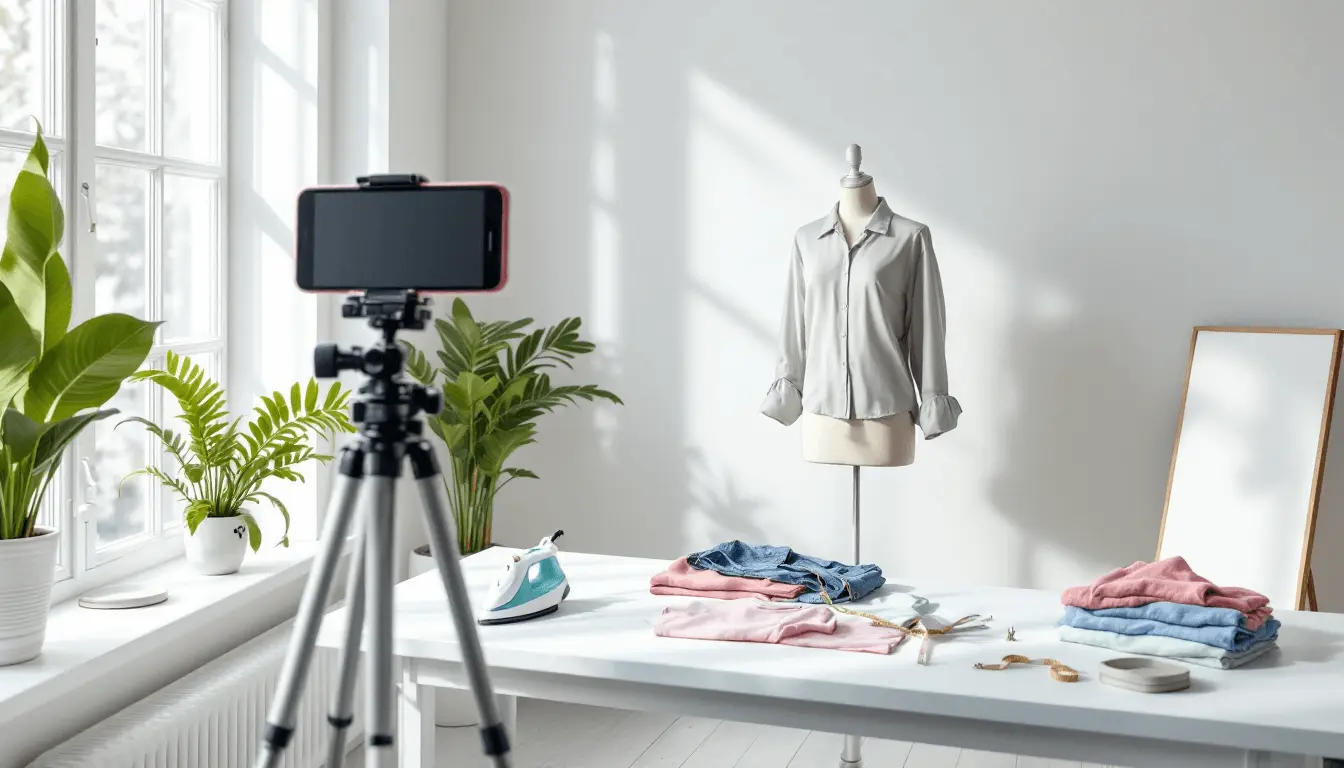
Strong photography makes even simple products look higher-value—because shoppers can instantly understand fit, texture, and style.
For overhead looks specifically, see our clothing flat lay ideas — eight arrangements chosen for how well they repeat across a full catalogue.
Create more variations in minutes
Need more looks without a reshoot? ProductAI generates consistent apparel imagery—clean heroes, lifestyle scenes, and ad-ready variants—fast.